

How do I set up my new MacBook?
Setting up your MacBook takes about 10 minutes. Most screens are standard macOS steps. A few screens are specific to your company's setup. This guide tells you what to do when they appear.
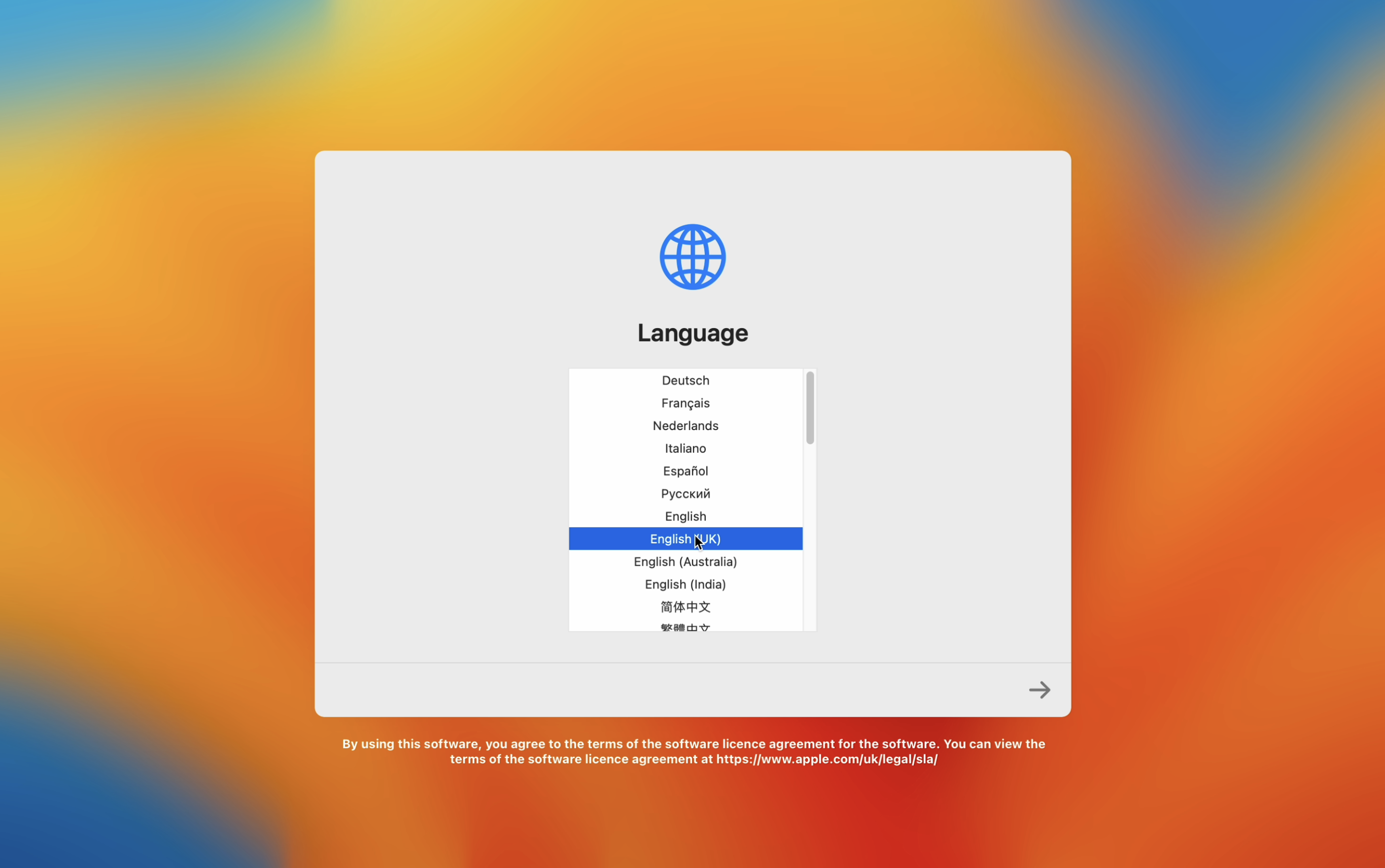
Step 1: Choose your language and region
Select your preferred language and region, then continue through the prompts until you reach the Terms and Conditions screen. Accept the terms to proceed.
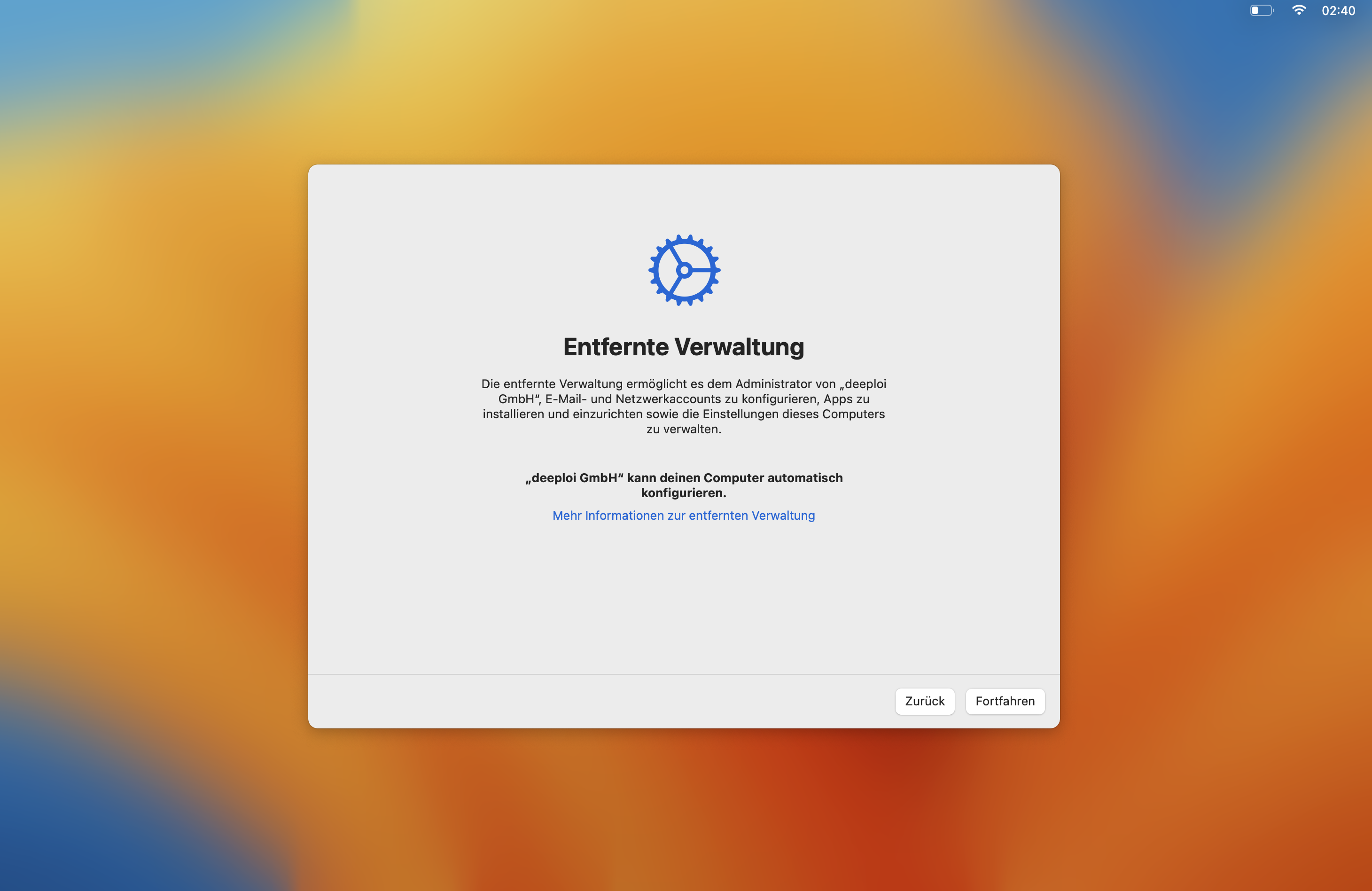
Step 2: Remote Management screen
You may see a Remote Management screen. Click Continue. Your company's device management setup means your device will receive software and updates automatically once it is connected to deeploi.
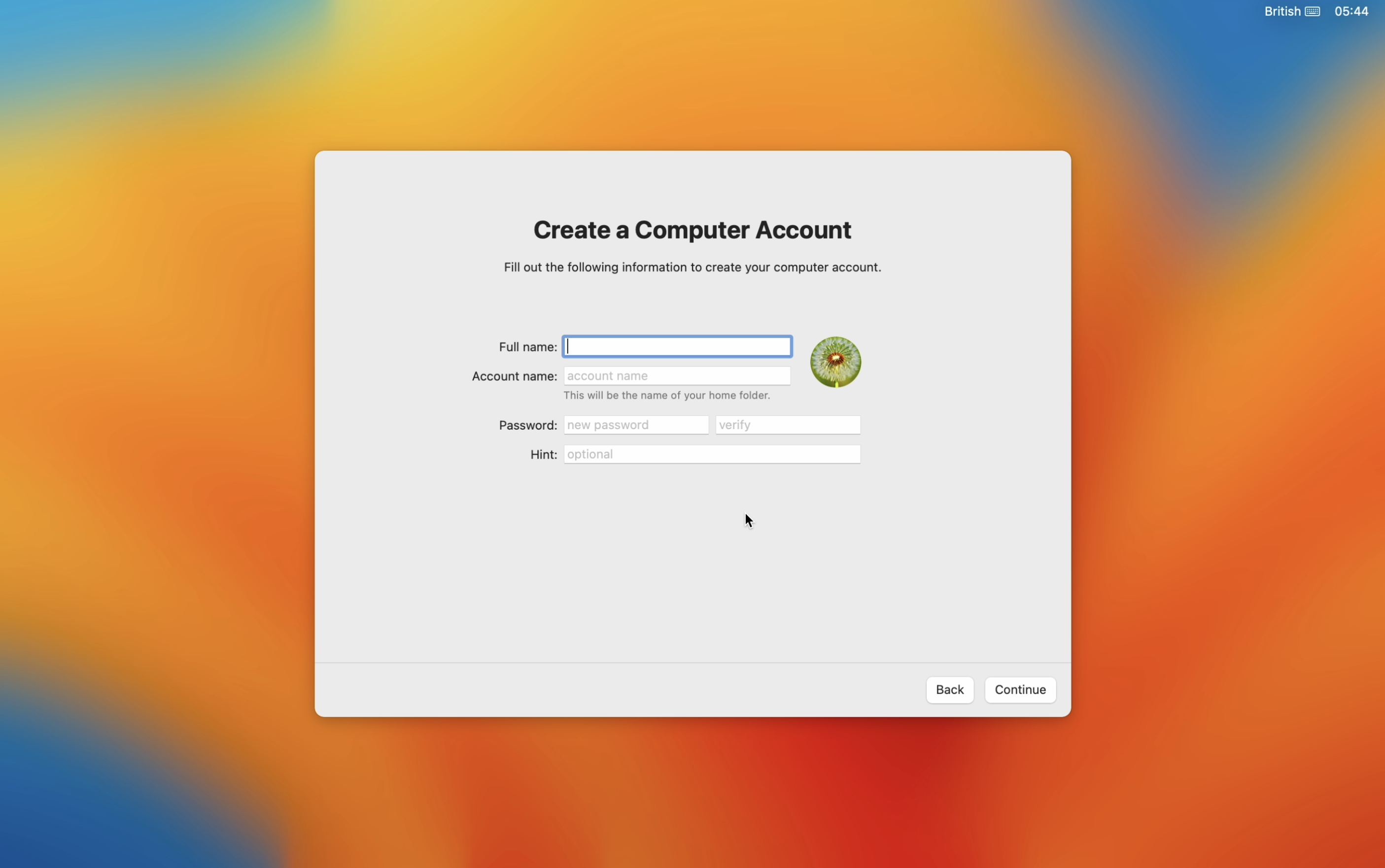
Step 3: Create your Mac account
Create your local computer account. You may see a screen asking for your company email first — if so, enter the email address and password from your deeploi welcome email, then continue to the account creation screen.
Choose a name and password you will remember. You use this password every time you log in to your MacBook.
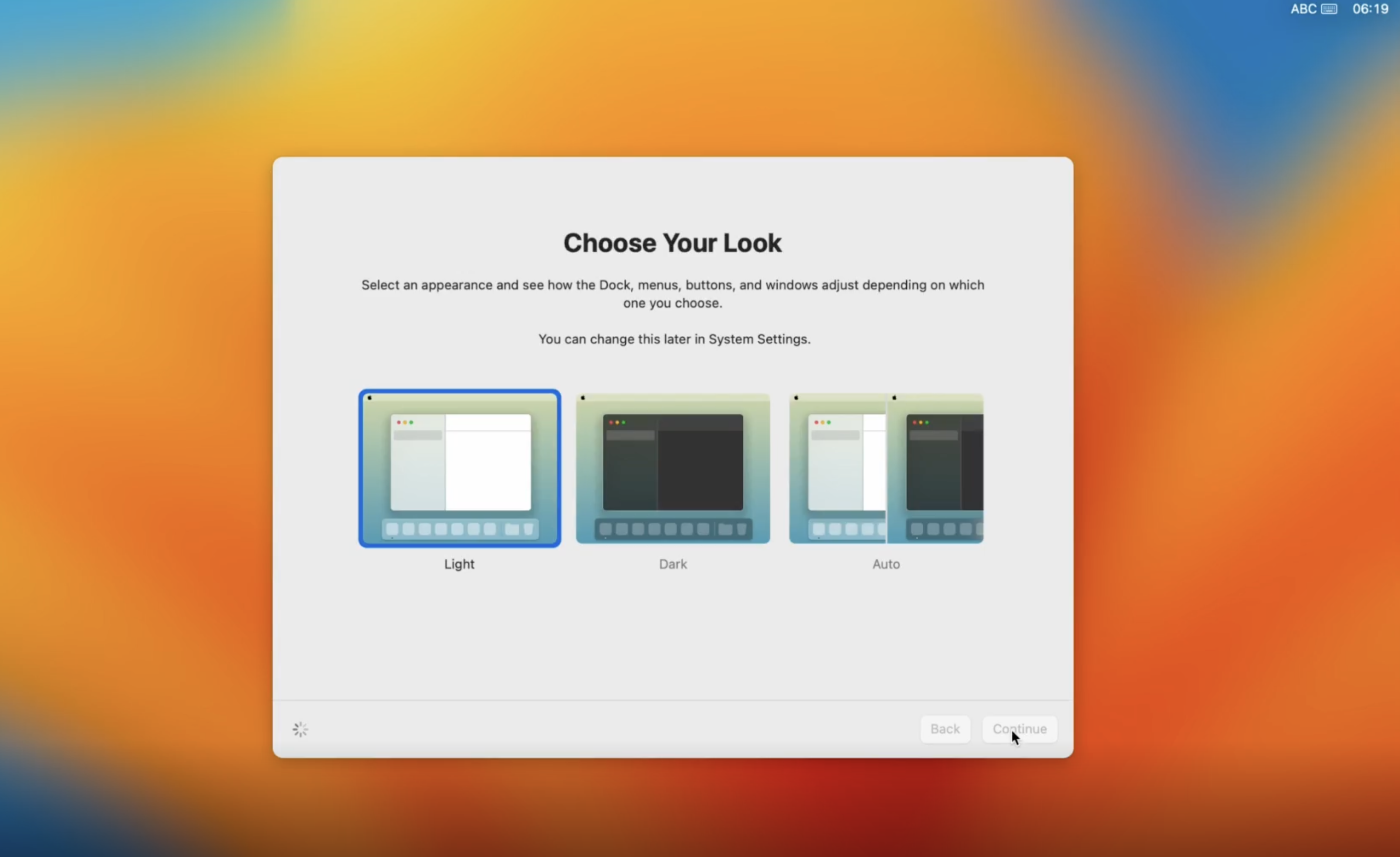
Step 4: Finish setup
A few more preference screens follow. When you reach the Choose Your Look screen, select your preferred appearance and confirm. Your MacBook is now set up.
Once you reach the desktop, continue to the next guide to connect your device to deeploi.