

How do I set up my new Windows laptop?
Setting up a new Windows laptop takes about 15 minutes. Follow these steps from first startup to the desktop.
Step 1: Choose your language and accept Microsoft terms
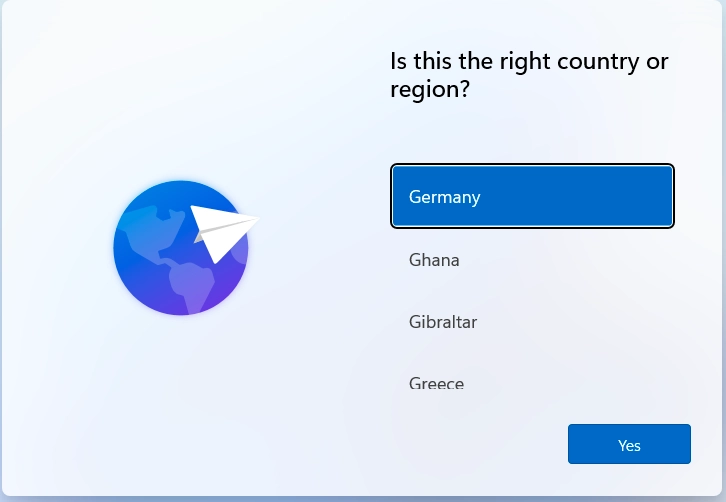
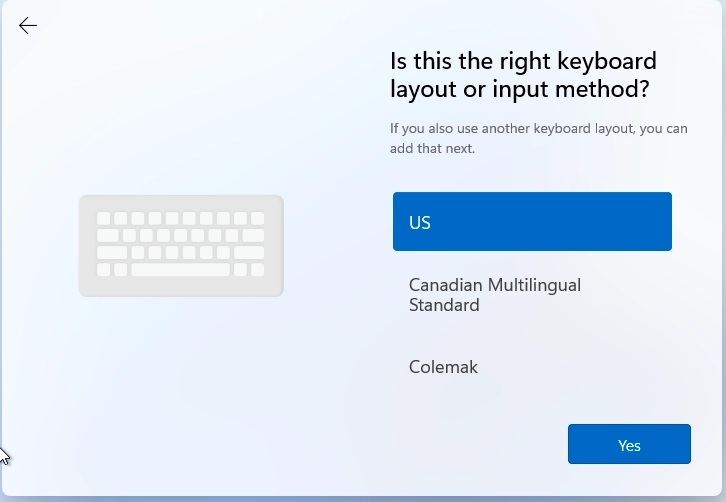
Turn on your laptop. Select your preferred language, region, and keyboard layout, then confirm the Microsoft Terms and Conditions to continue.
Step 2: Name your device
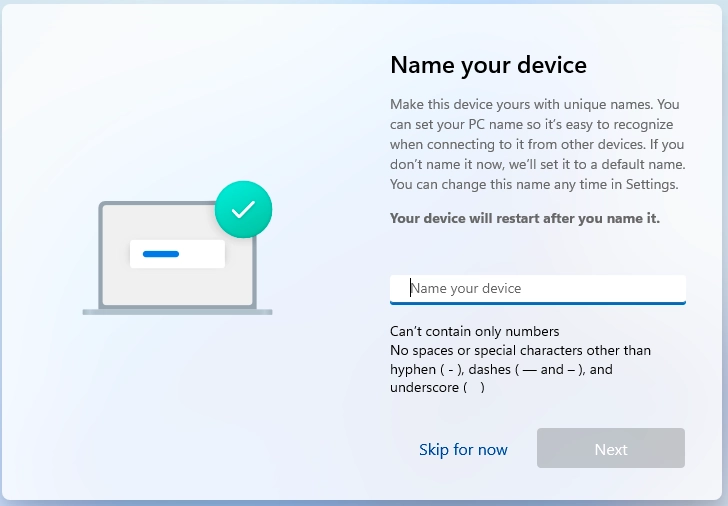
Enter a name for your device. If your company has naming guidelines, follow those. If not, we recommend: first initial plus last name plus -laptop. For example, Mara Wenk would use MWenk-Laptop.
Step 3: Connect to Wi-Fi
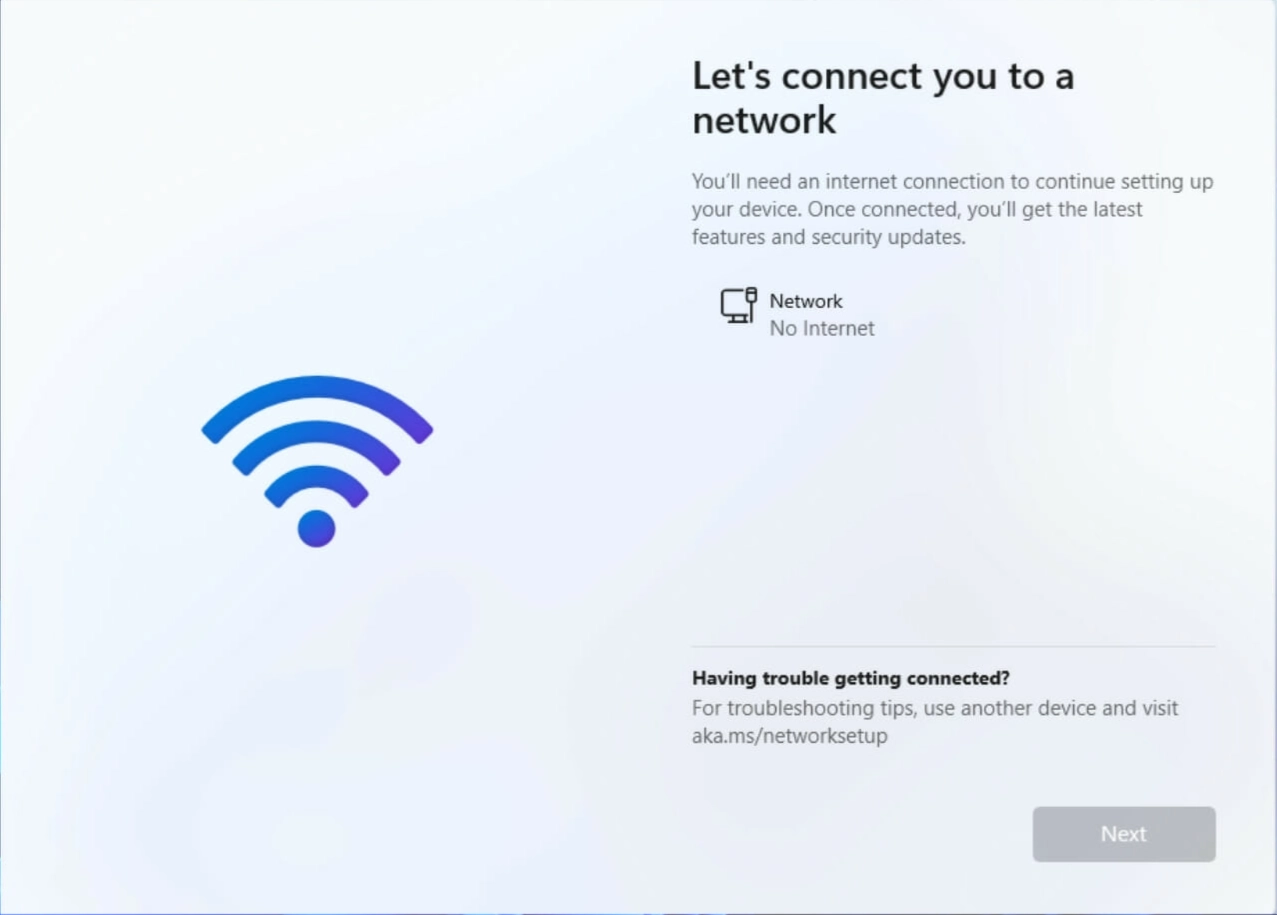
Select your Wi-Fi network, enter the password, and click Connect. If you are setting up on-site, ask a colleague for the Wi-Fi details. Windows may download updates after connecting. Wait for them to finish before continuing.
Step 4: Choose your account type
When asked how you want to set up the device, select Work or school account.
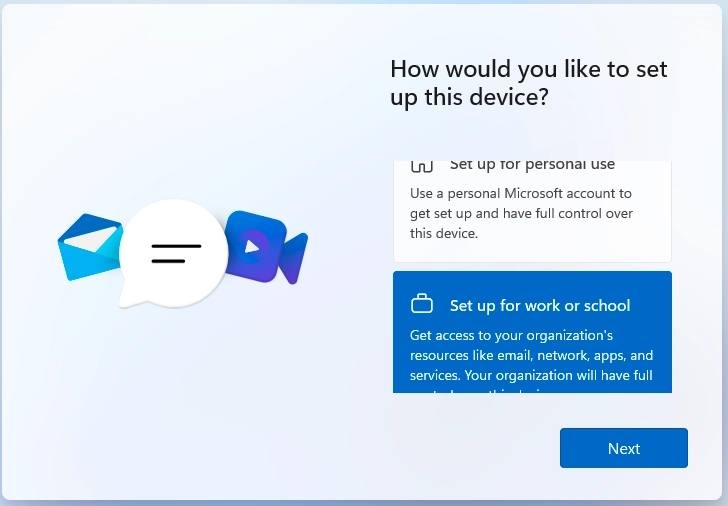
Step 5: Sign in to Microsoft 365
deeploi has sent your login credentials by email to both your work and personal email address. Which email to use depends on what your company uses:
| Your company uses | Use the credentials from |
|---|---|
| Primarily Microsoft | Your deeploi welcome email |
| Primarily Google | The email with subject "Welcome to Microsoft 365 — Your Account is Ready!" |
If your company uses Google and your IT admin turned on Windows sign-in with Google, sign in with your Google work email and password instead: How do I sign in to Windows with my Google account?
Not sure which applies? Open your deeploi welcome email and hover over the login button without clicking. You will see either a Microsoft or Google web address in your browser's status bar. For more details, see Does my company use Google or Microsoft?. If still unsure, ask your IT admin before continuing.
Didn't receive the email? Check your spam or junk folder first. If it is not there, ask your IT admin for your Microsoft 365 credentials.
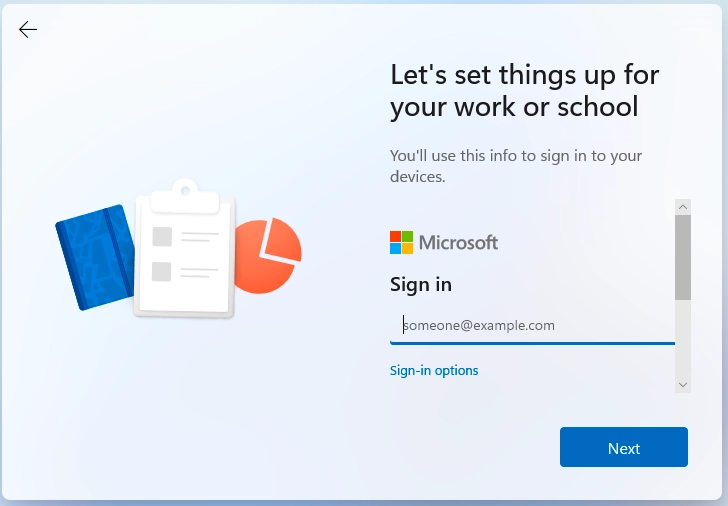
If prompted to set up two-factor authentication (2FA), complete that step using Microsoft Authenticator or SMS. Watch this video for a walkthrough.
Step 6: Set up Windows Hello
Click Create a PIN and choose a PIN you will remember. You will use it every time you log in. If asked to set up fingerprint or facial recognition, you can skip it for now by clicking I'll do this later.
Step 7: Review privacy settings
Review the privacy settings, adjust them to your preference, and click Accept.
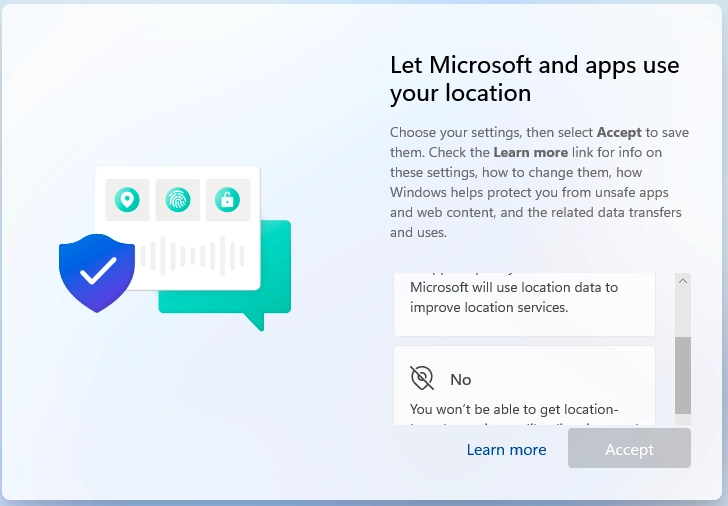
Step 8: Wait for setup to complete
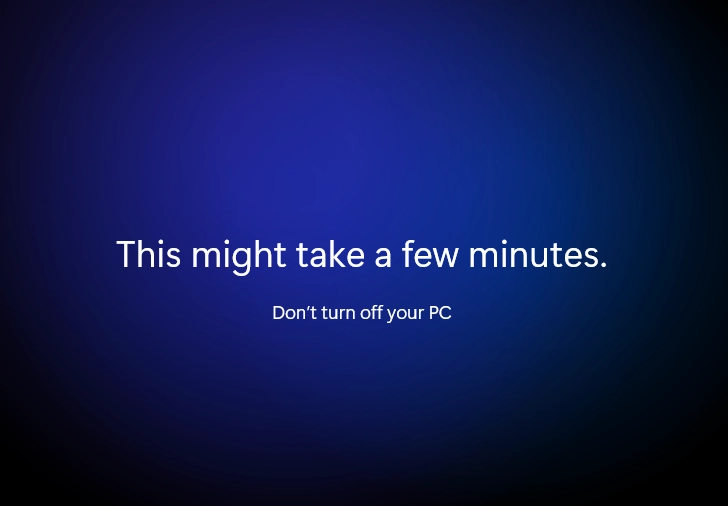
Windows will take 2 to 5 minutes to finish. Do not turn off the laptop and do not close the lid.
Step 9: Register your device
Once you reach the desktop, your laptop is set up. Now connect it to deeploi so your apps and security settings are installed: How do I connect my Windows laptop to deeploi?