

How do I create a deeploi help center account?
A deeploi help center account gives you access to the IT helpdesk and the deeploi knowledge base. With it, you can see all your support requests in one place. Signing up takes about 2 minutes.
Step 1: Open the help center
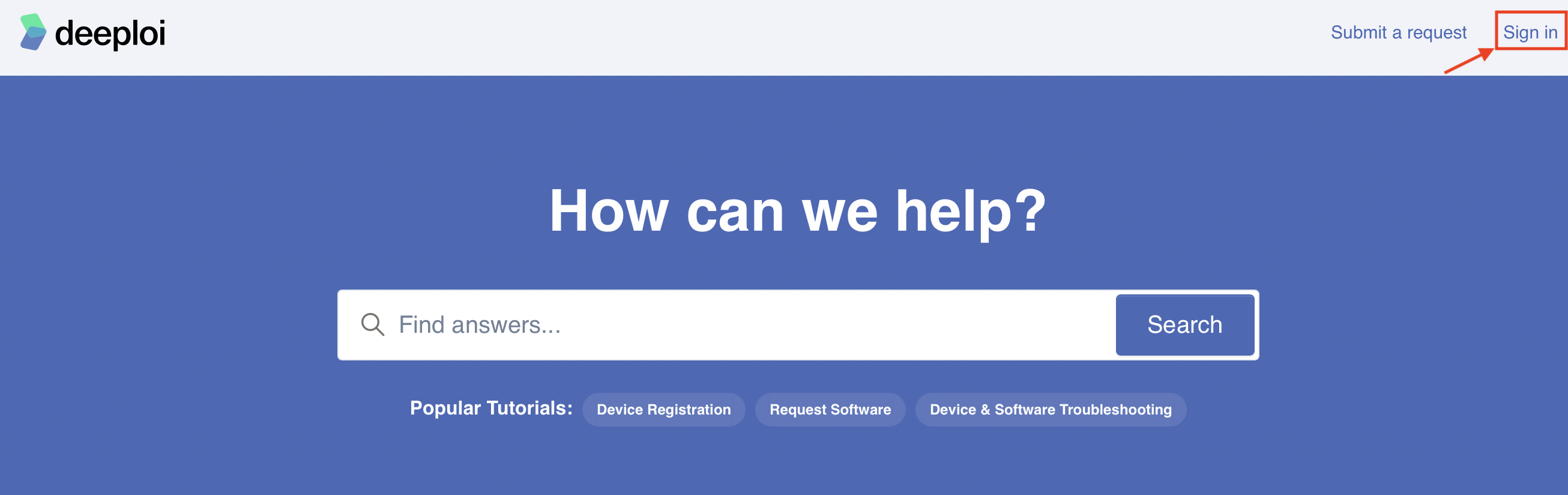
Go to the deeploi help center and click Sign in in the top-right corner.
Step 2: Start the sign-up
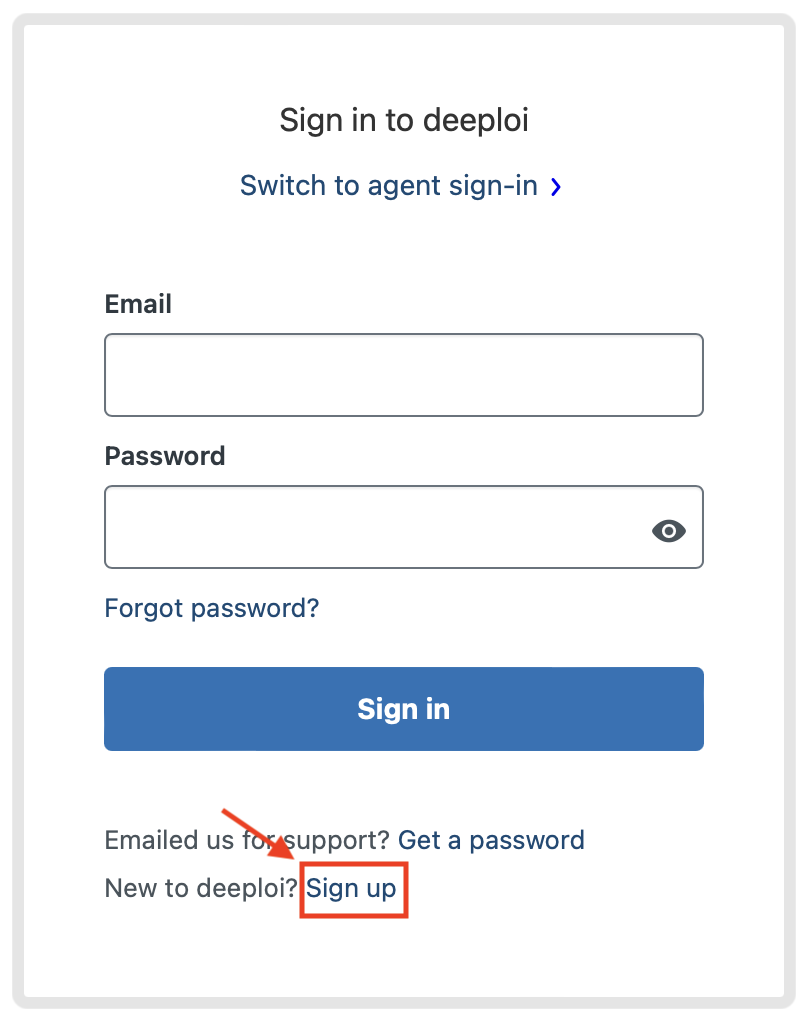
On the Sign in to deeploi screen, click Sign up.
Step 3: Enter your details
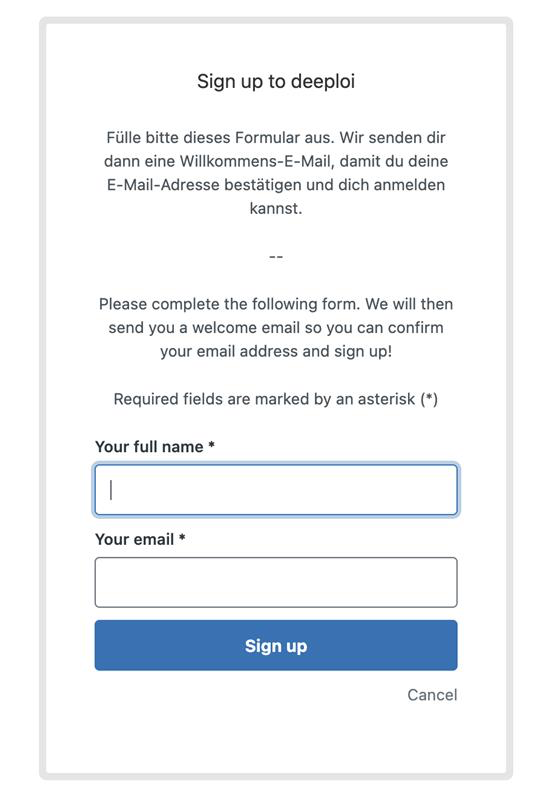
Enter your full name and your email address, then click Sign up.
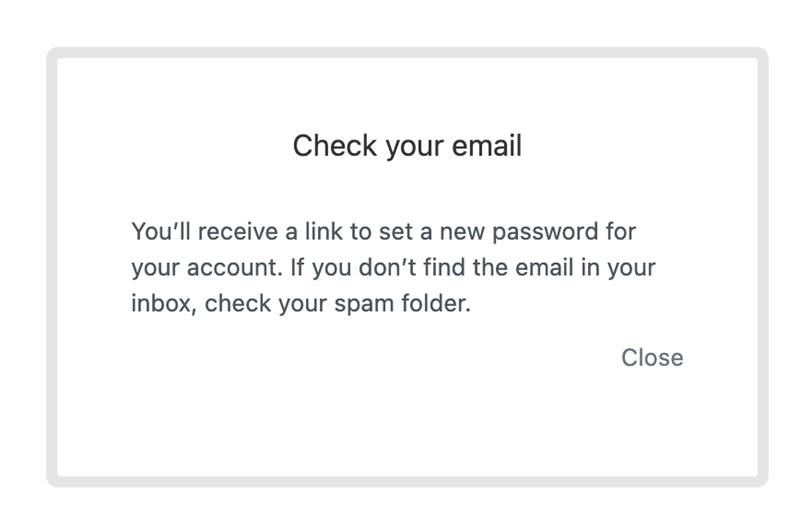
A message appears asking you to check your email.
Step 4: Create your password
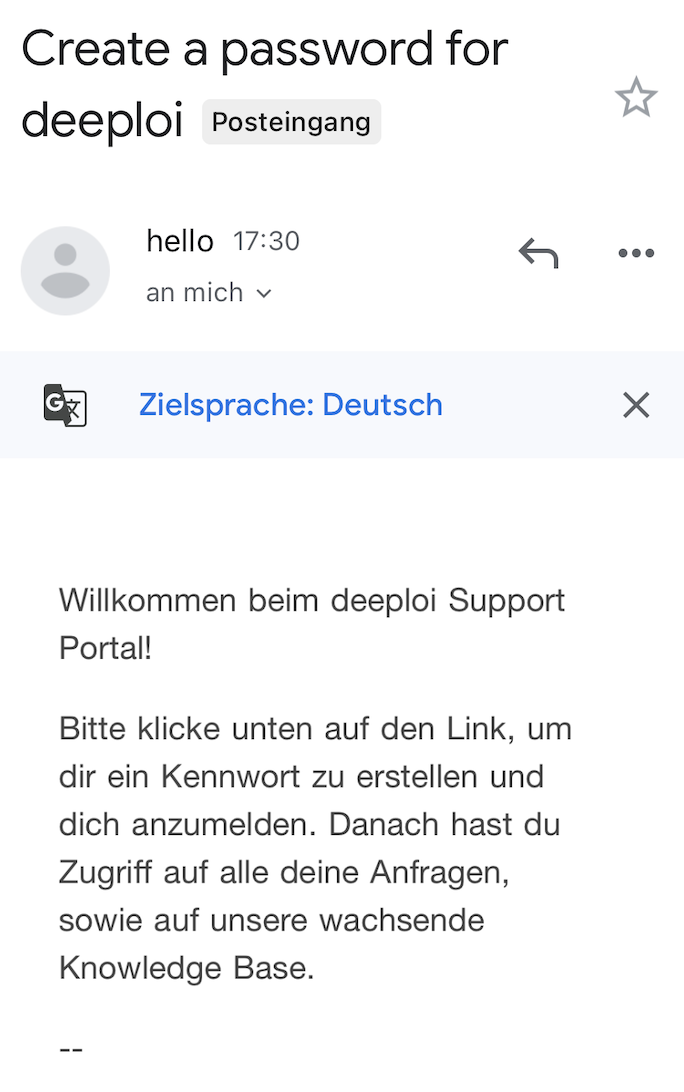
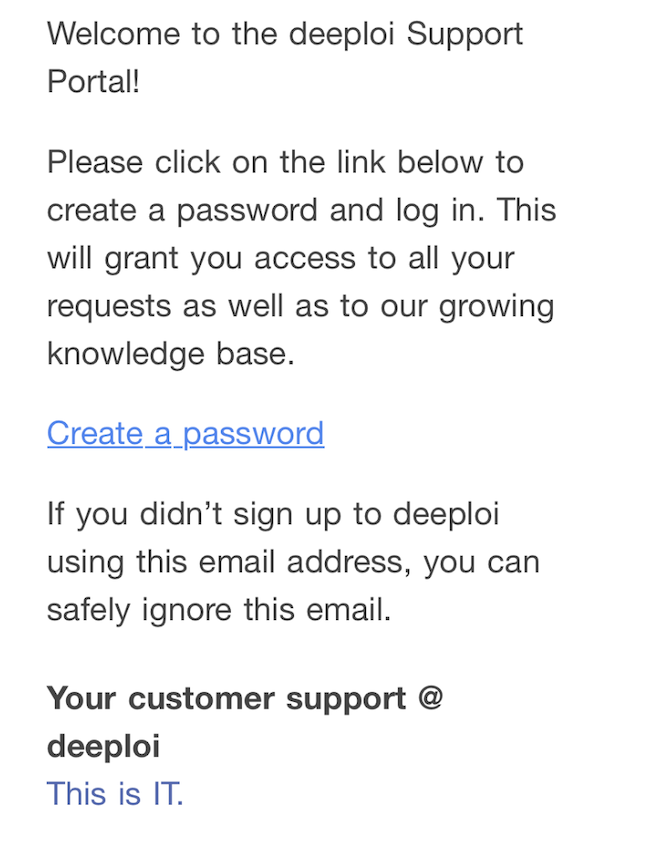
- Open the email from deeploi with the subject "Create a password for deeploi". If you cannot find it, check your spam folder.
- Click Create a password and choose a password.
- Sign in to the help center with your email address and new password.
Your help center account is ready.