

How to Order a Device
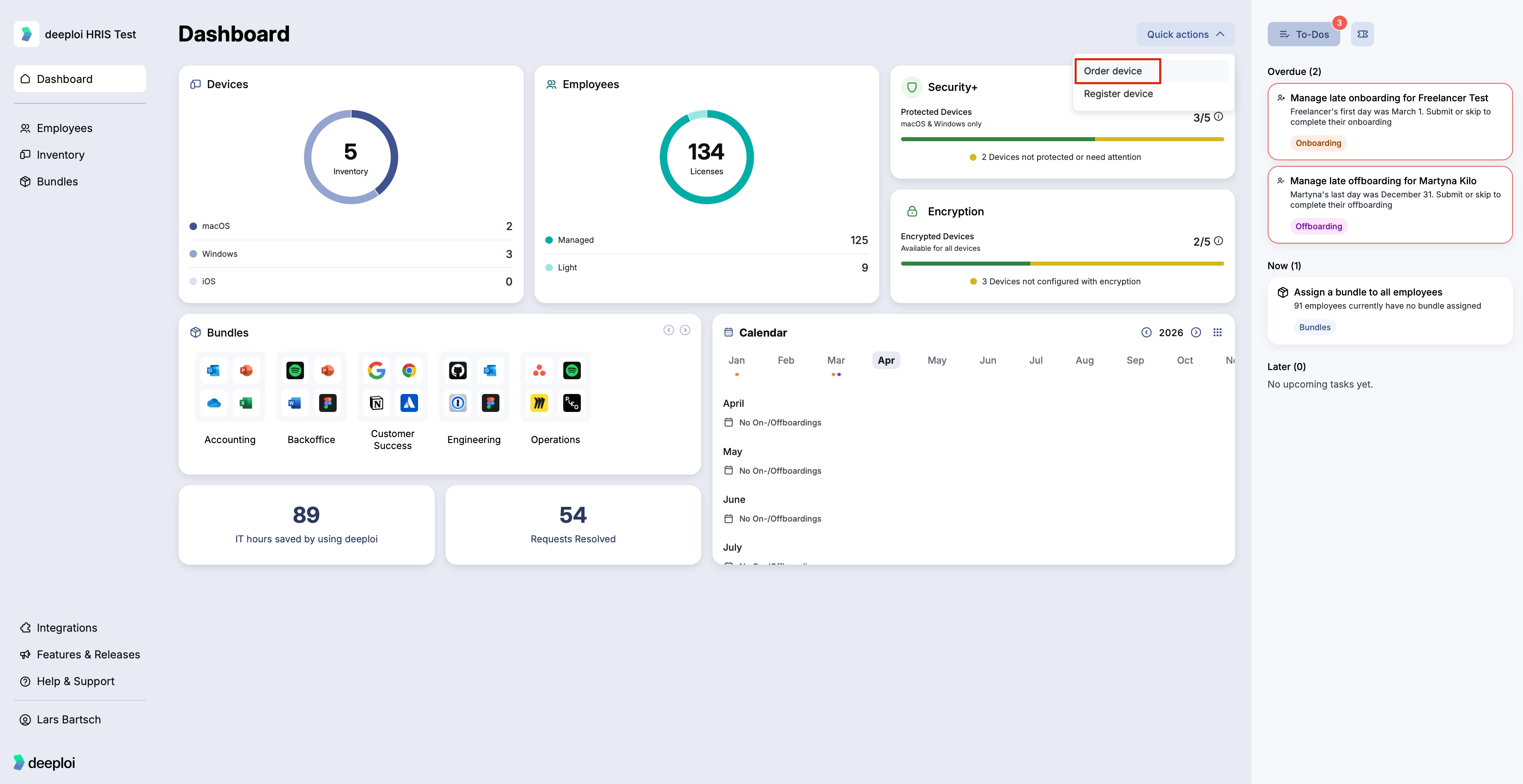
To place an order, go to Quick Actions in the dashboard and select Order Device. You can rent or buy.
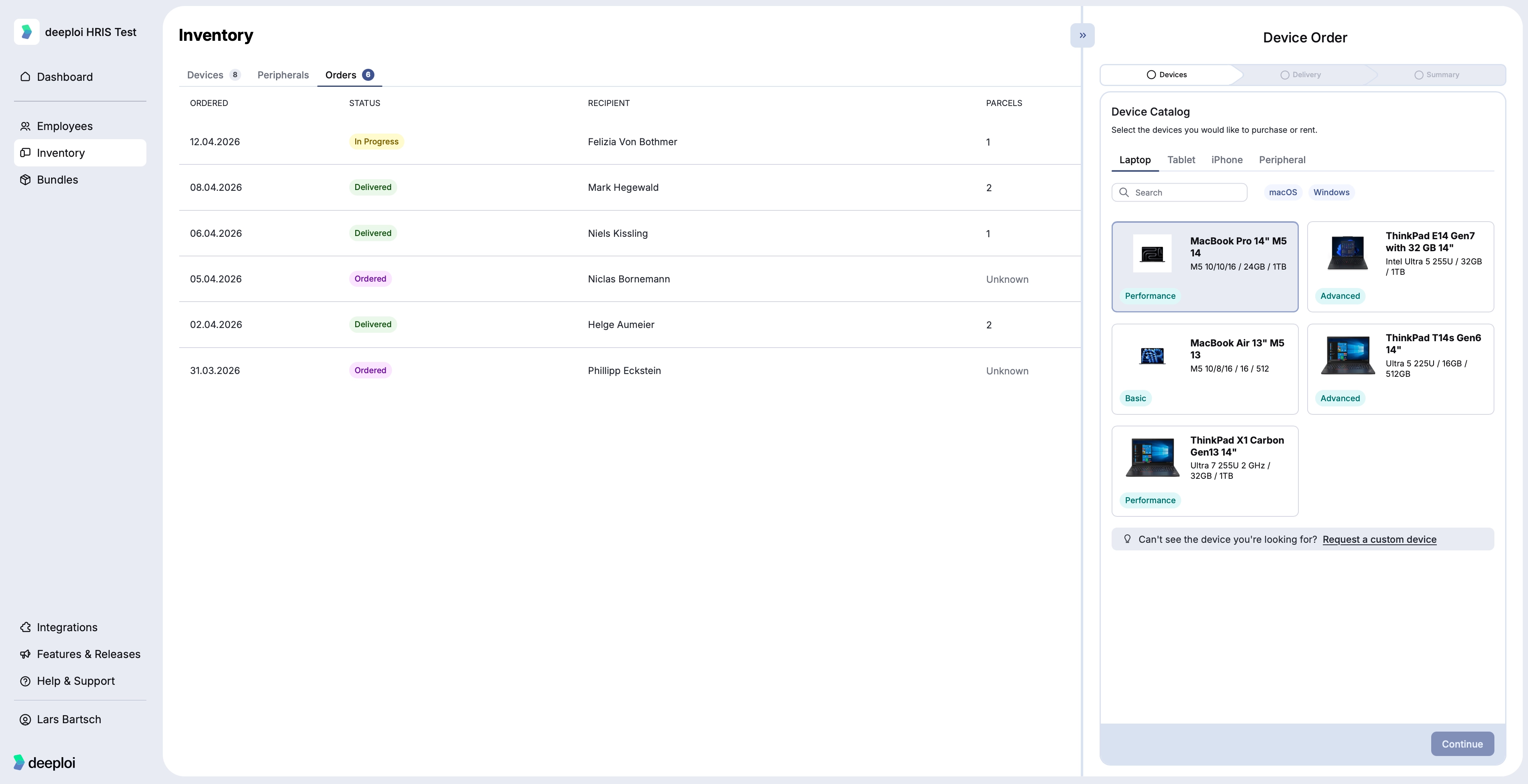
- Select a device from the catalog and set the quantity.
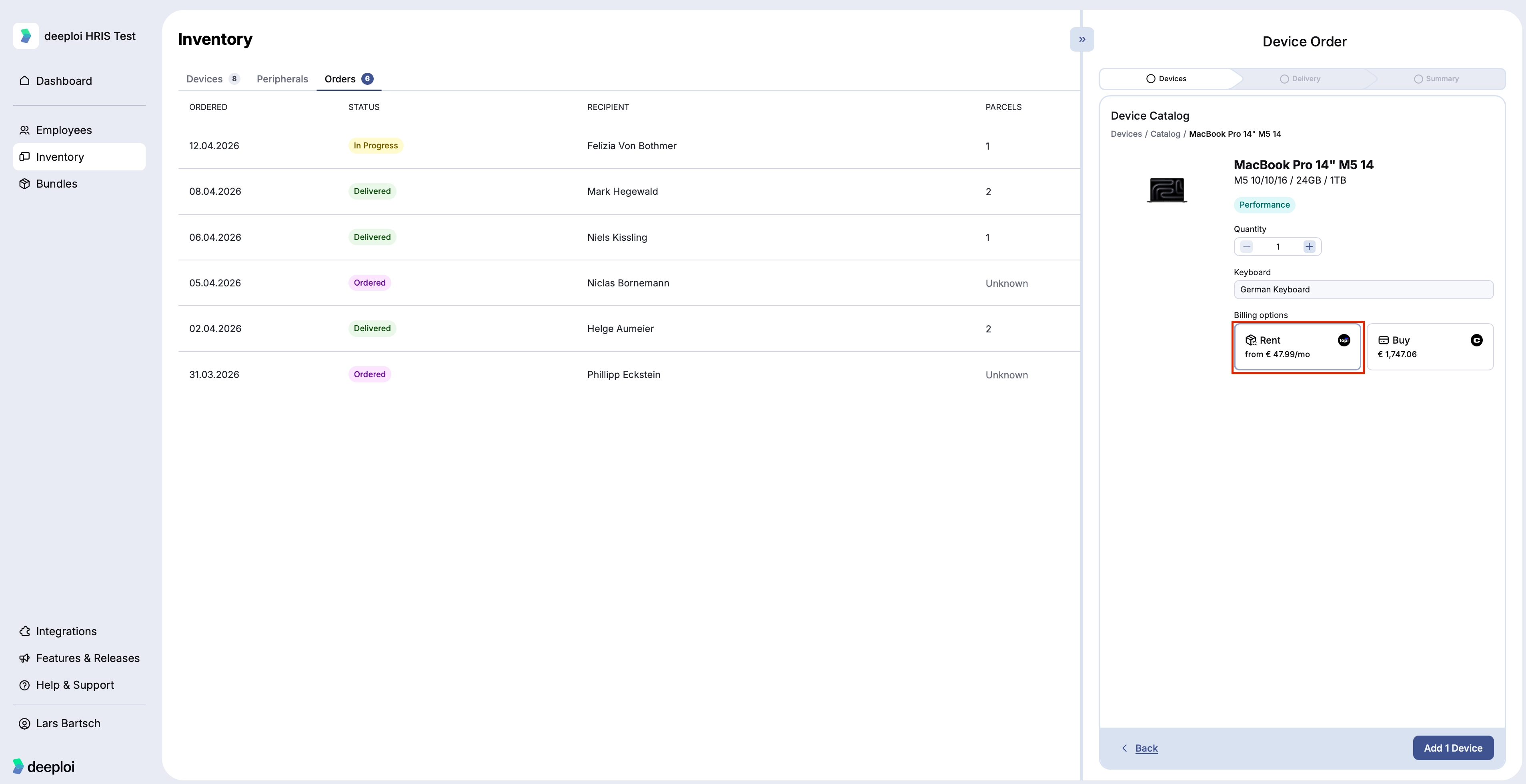
- Select Rent.
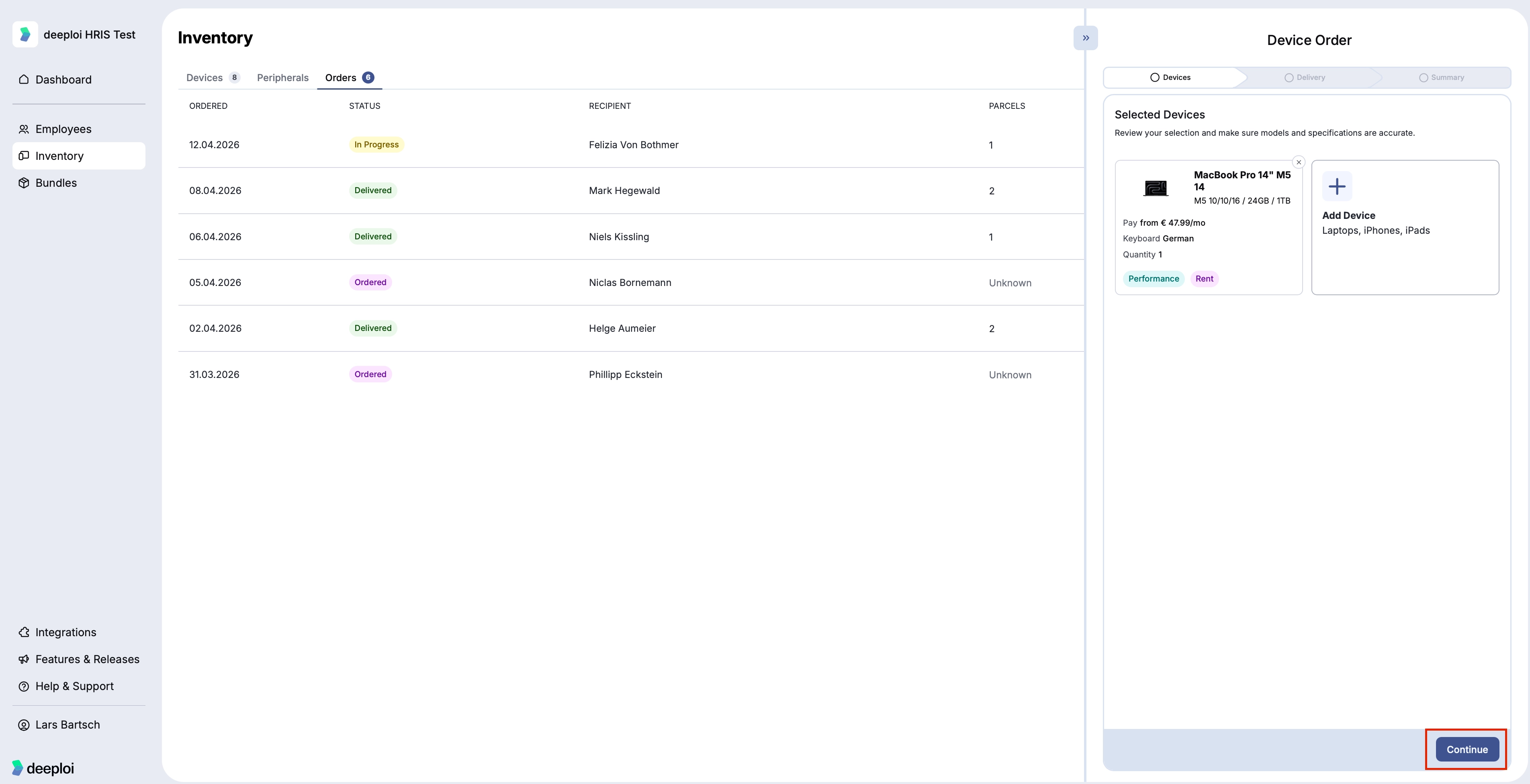
- Optionally add more devices to the same order.
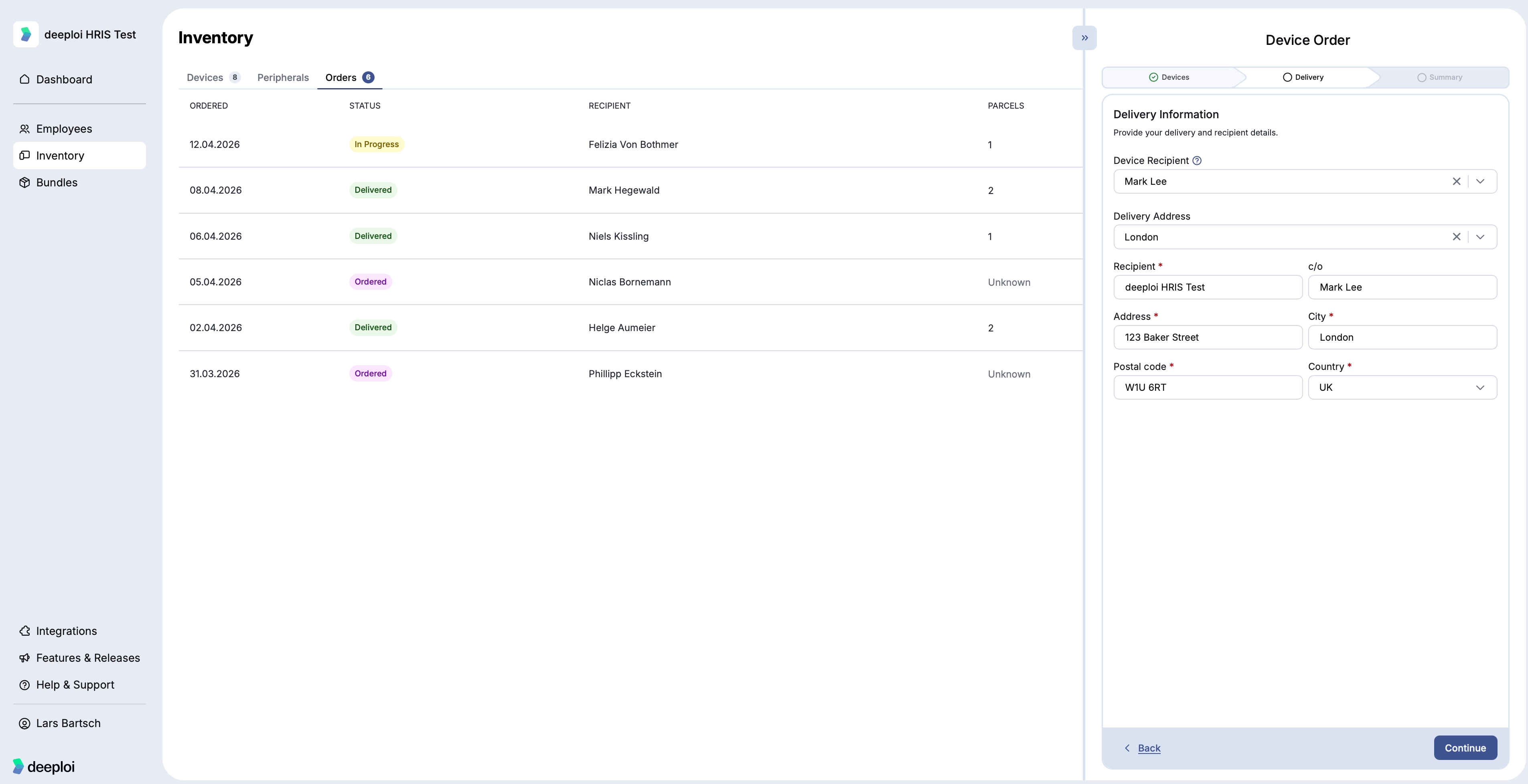
- Enter the delivery address and recipient details.
- Review the order summary.
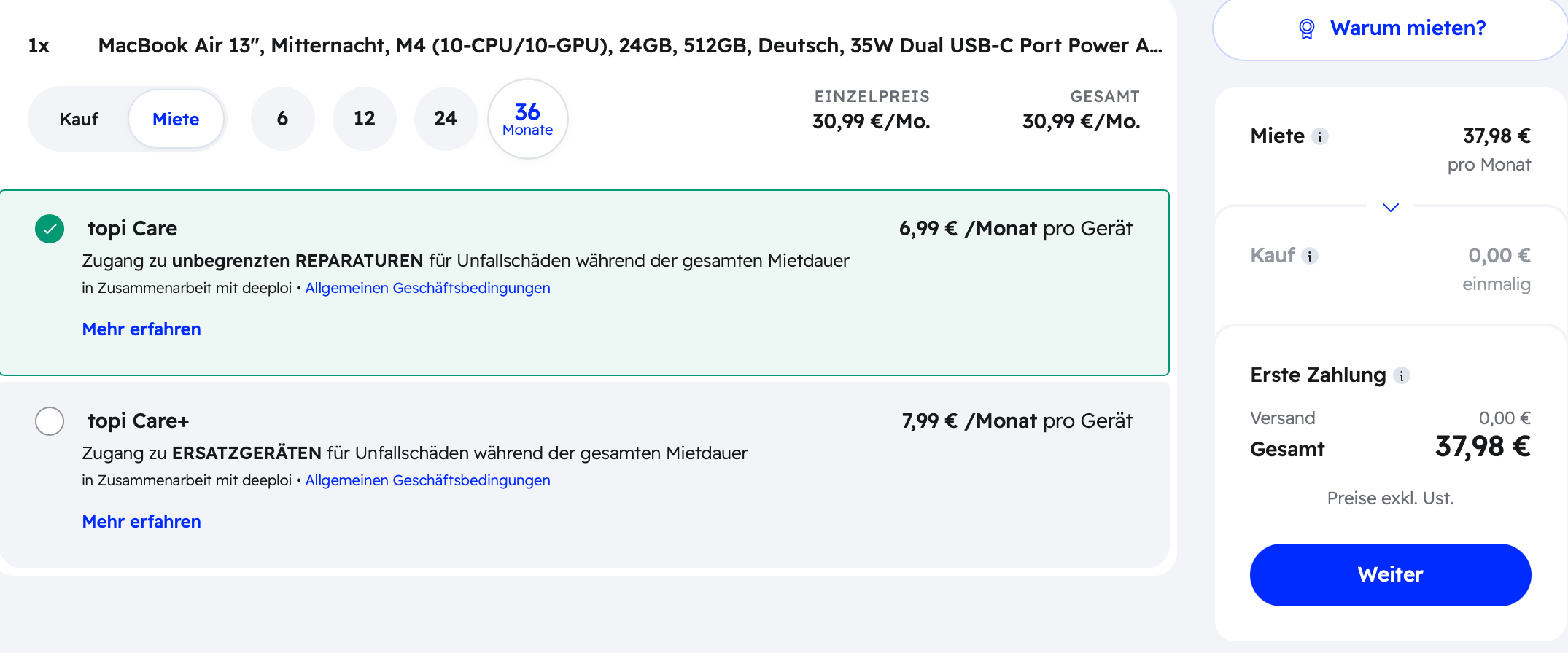
- Select the rental duration and choose whether to add insurance.
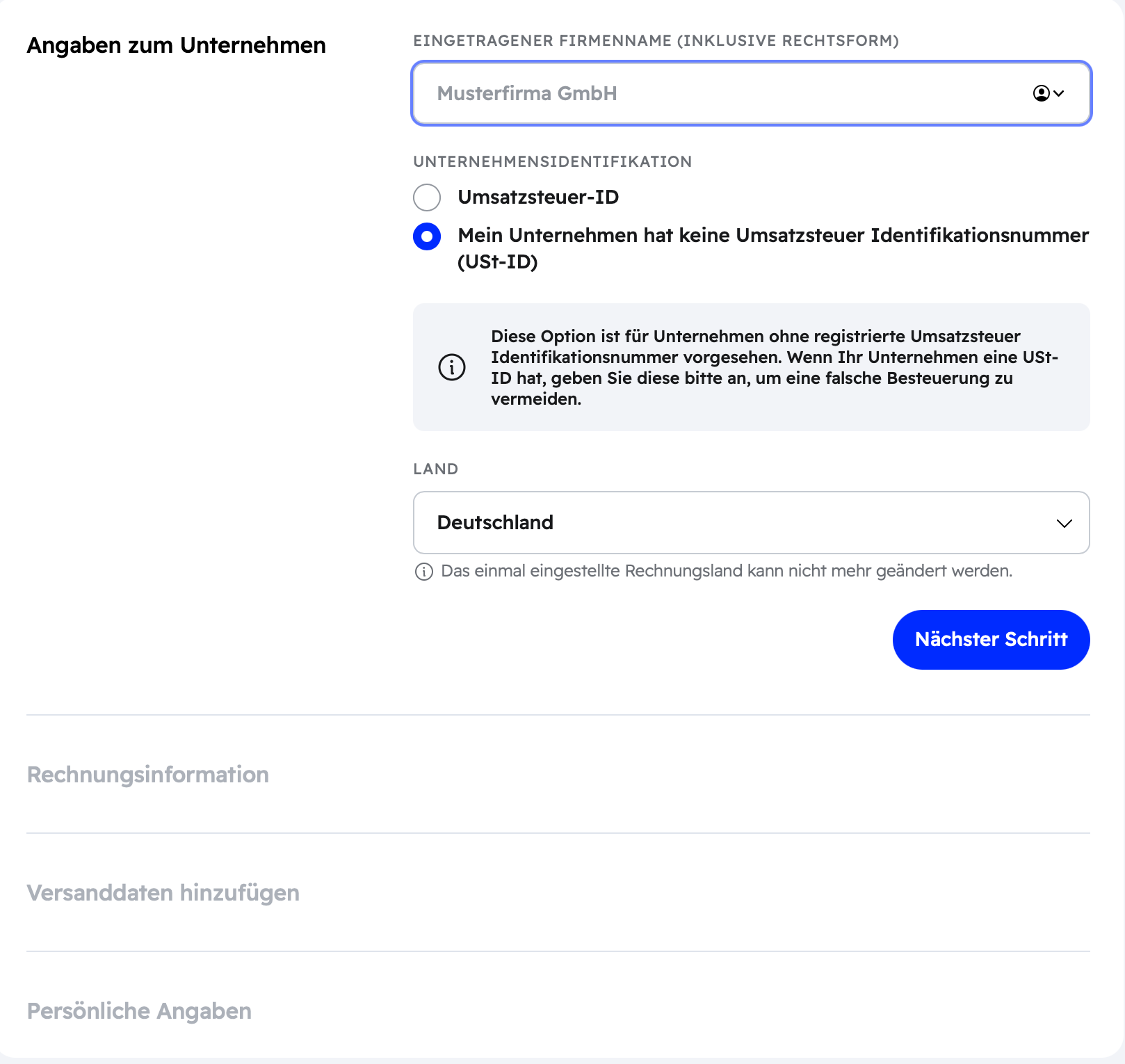
- Complete the topi checkout to finalize the rental agreement.
To track your order, go to Inventory → Orders, select the order, and open the Parcels tab. You also receive tracking information by email.
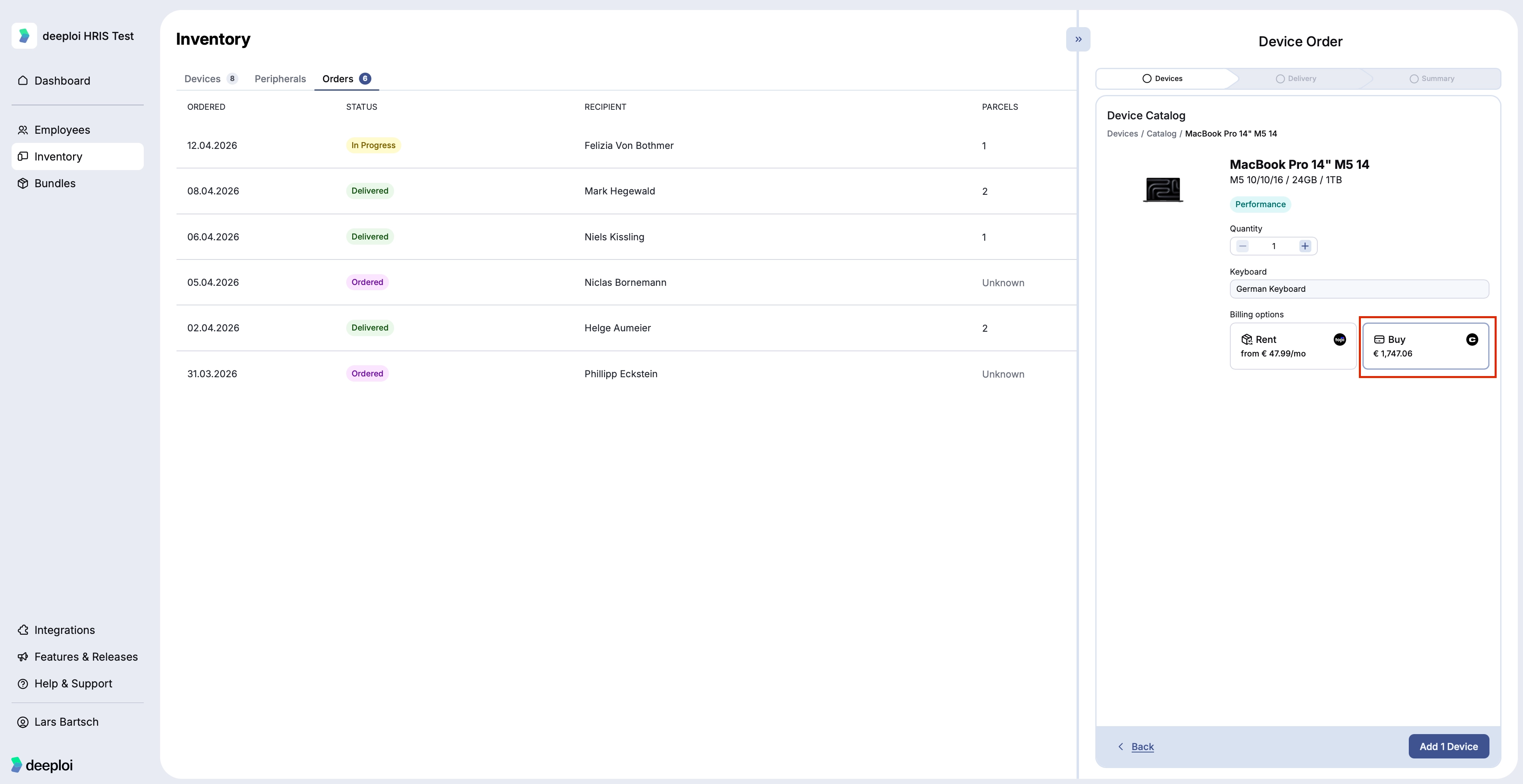
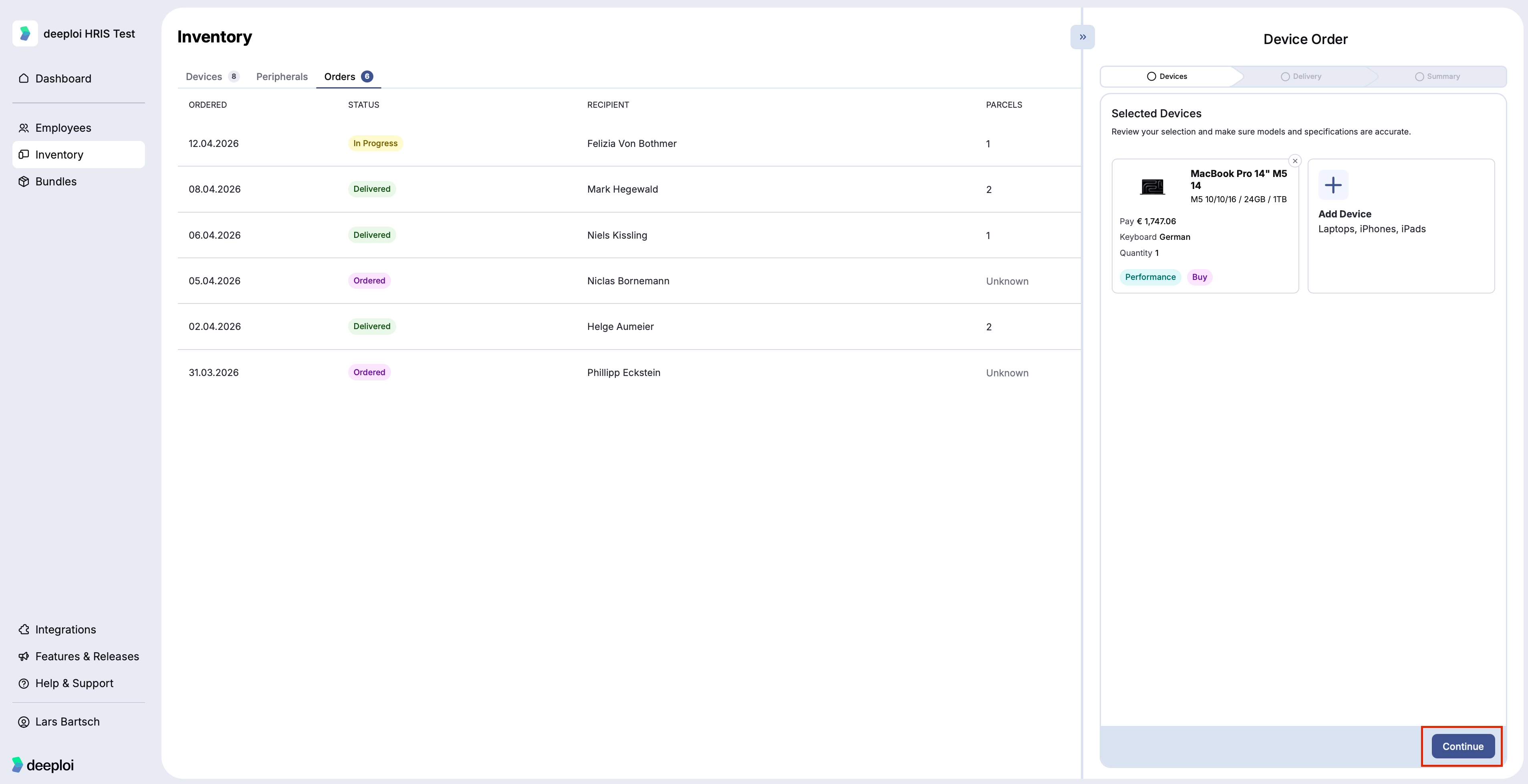
- Select a device from the catalog and set the quantity.
- Select Buy.
- Optionally add more devices to the same order.
- Enter the delivery address and recipient details.
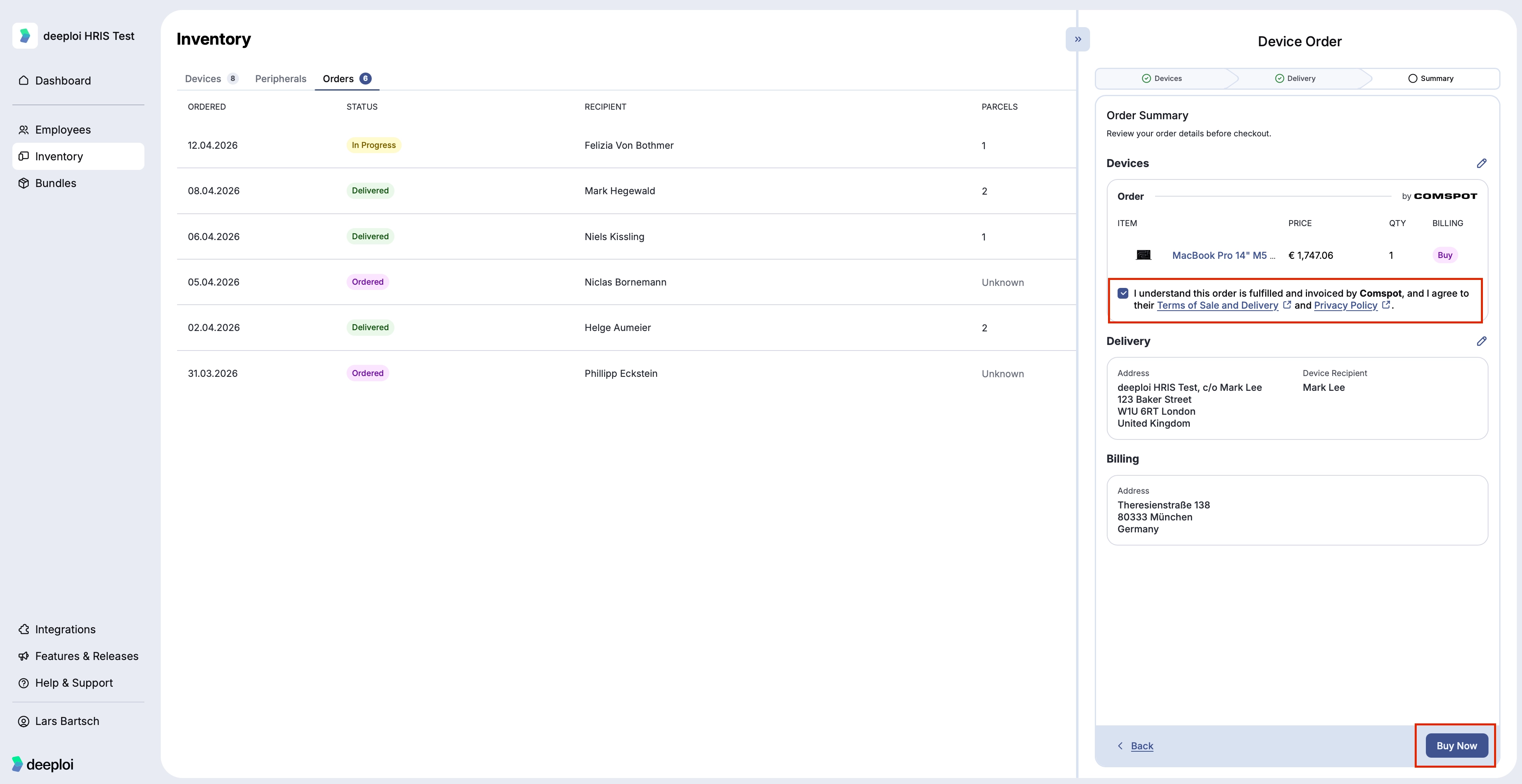
- Review the order summary.
- Accept the Terms of Sale and click Buy Now.
To track your order, go to Inventory → Orders, select the order, and open the Parcels tab.
Important Purchase orders cannot be cancelled after clicking Buy Now. Confirm all details before submitting.