How do I edit or cancel an onboarding or offboarding?
You can change most details in a submitted onboarding or offboarding form until deeploi starts setting up accounts or removing access.
What can you change?
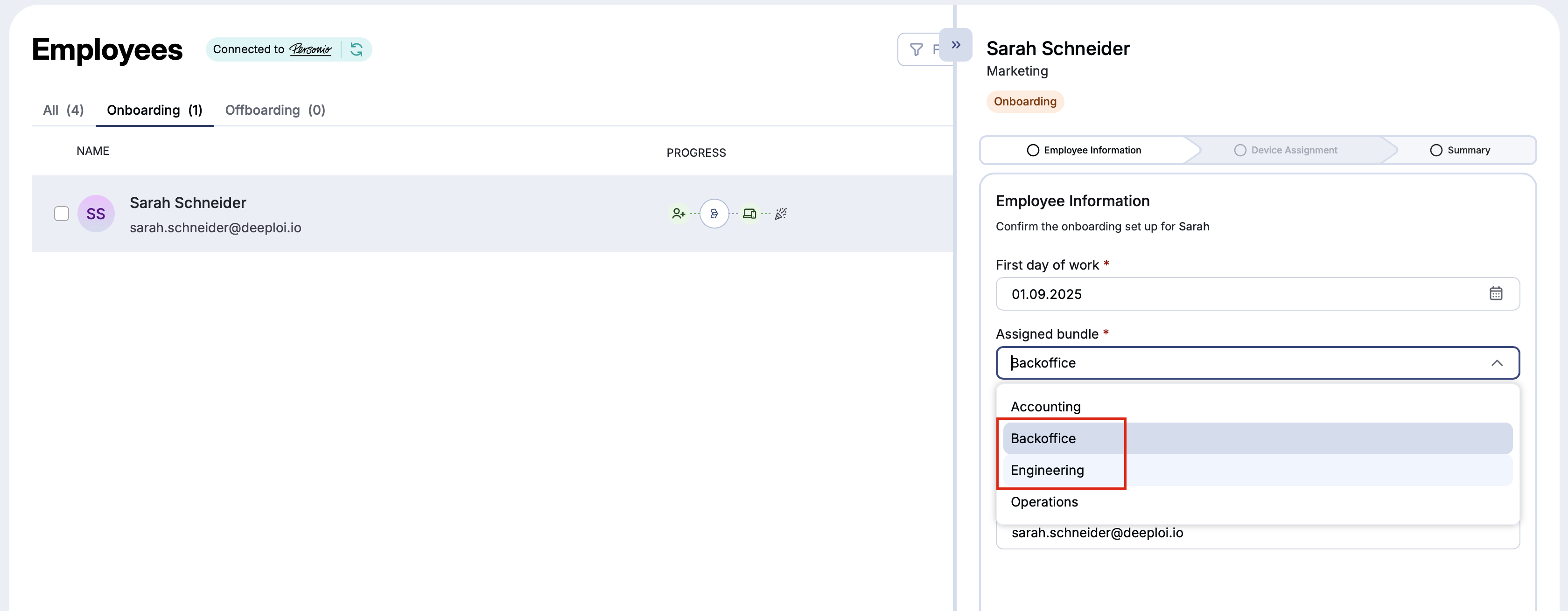
During onboarding, you can edit the first day of work, the bundle, and the private email address. Two things cannot be changed after submission:
| Can't change | What to do instead |
|---|---|
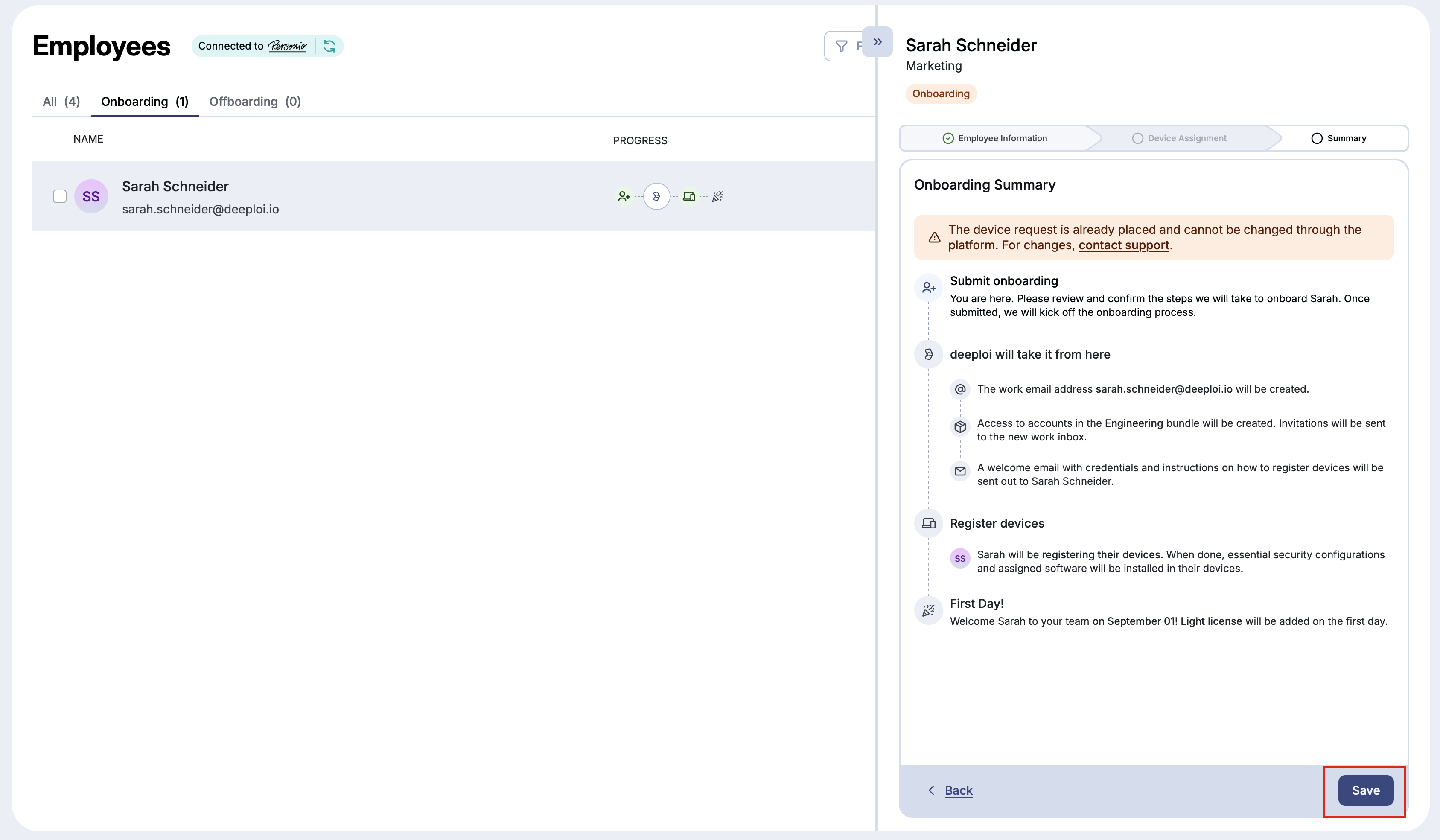
| Device assignment | Contact support. The summary shows: "The device request is already placed and cannot be changed through the platform." |
| The employee's name (if the employee was added via an HRIS integration like Personio) | Change it in your HR system |
Important
The onboarding form is locked as soon as deeploi starts setting things up: once it creates the email account or software accounts, or sends the welcome email or device registration email. With the default settings, the email account is created 14 days before the start date, so edits are possible until then. Your company may use a different timing in Settings → Onboarding. After that point, Edit onboarding is greyed out and shows "Changes are no longer possible". Click Open support ticket there to ask the deeploi support team for changes.
During offboarding, you can edit the date and time the offboarding runs, the email and data options, and the software access settings. If the last day of work is already on file, for example from your HR system, change it there. Once deeploi has started removing access, Edit offboarding no longer appears in the menu.
Both onboarding and offboarding can be cancelled entirely if needed. For example, if a candidate doesn't join after the form was submitted, or an employee withdraws their resignation. Cancelling resets everything you selected in the form. You can start a new onboarding or offboarding later.
How to edit an on/offboarding
- Go to Employees in the deeploi platform.
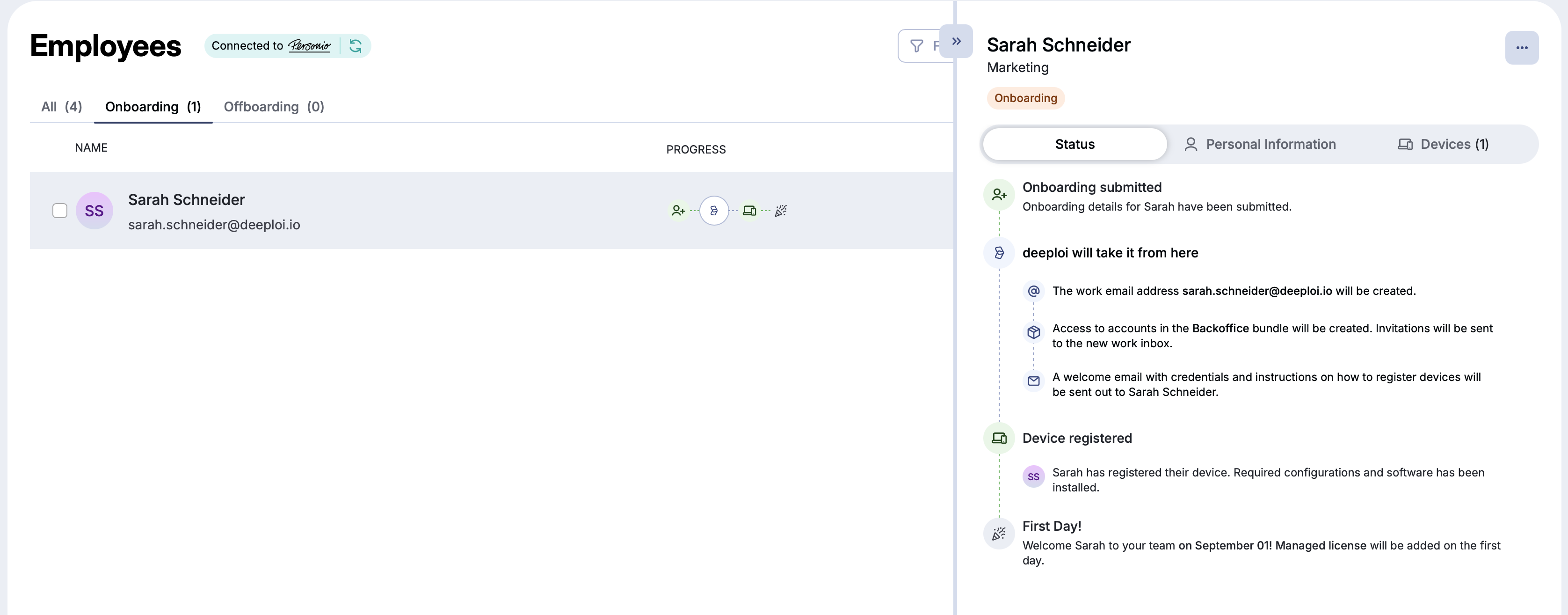
- Open the employee's profile.
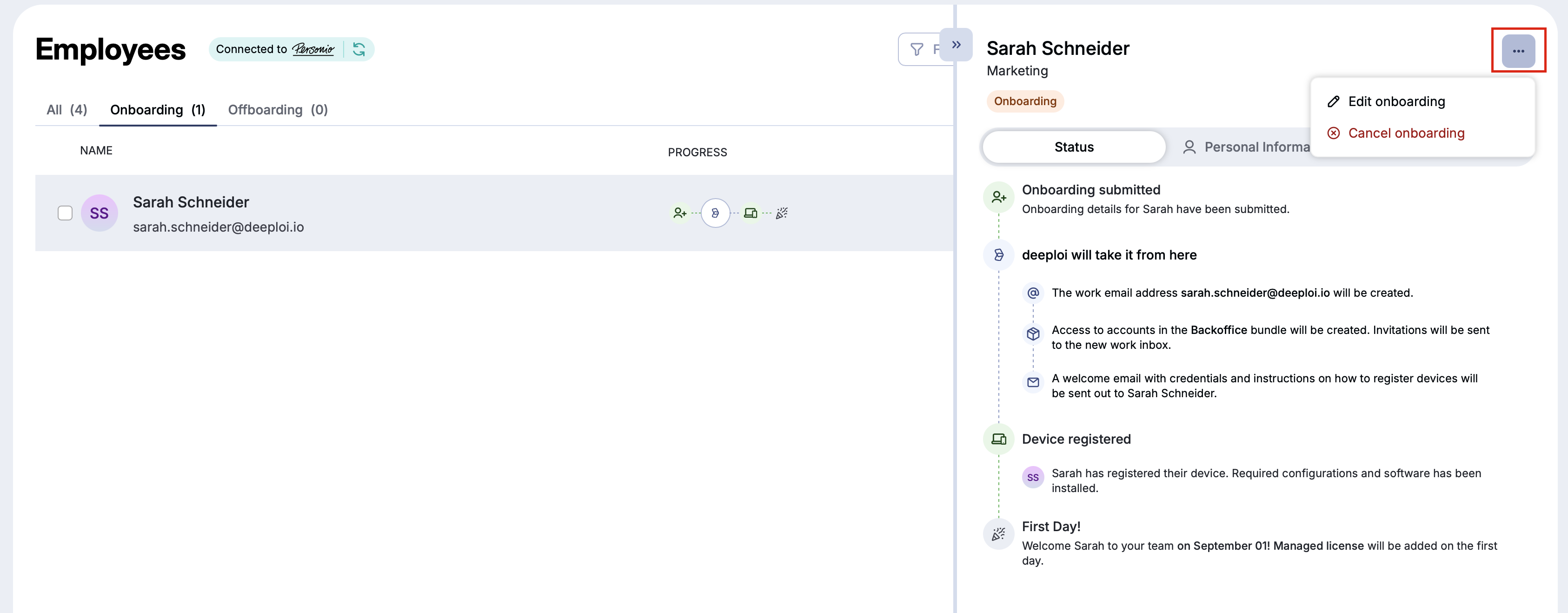
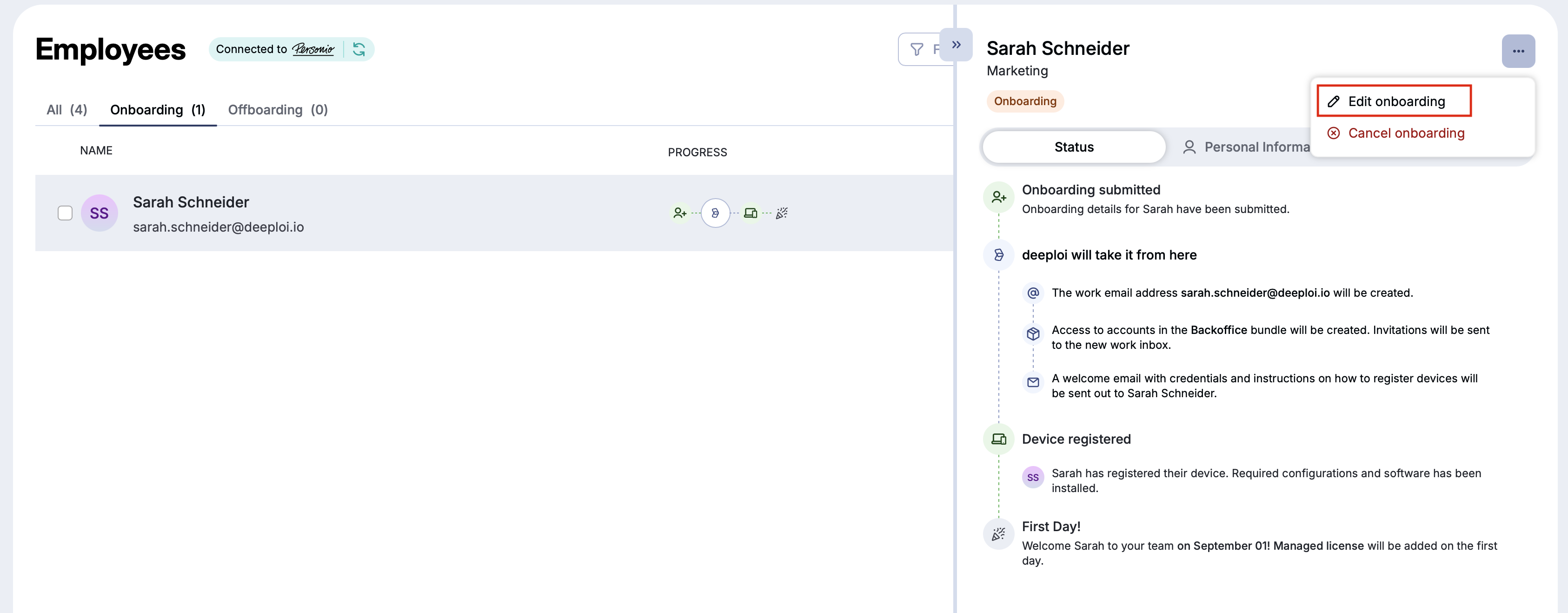
- Click the three dots in the upper right corner of the profile.
- Select Edit onboarding or Edit offboarding.
- Update the fields you want to change.
- Click Continue until you reach the summary, then click Save.
How to cancel an on/offboarding
- Go to Employees in the deeploi platform.
- Open the employee's profile.
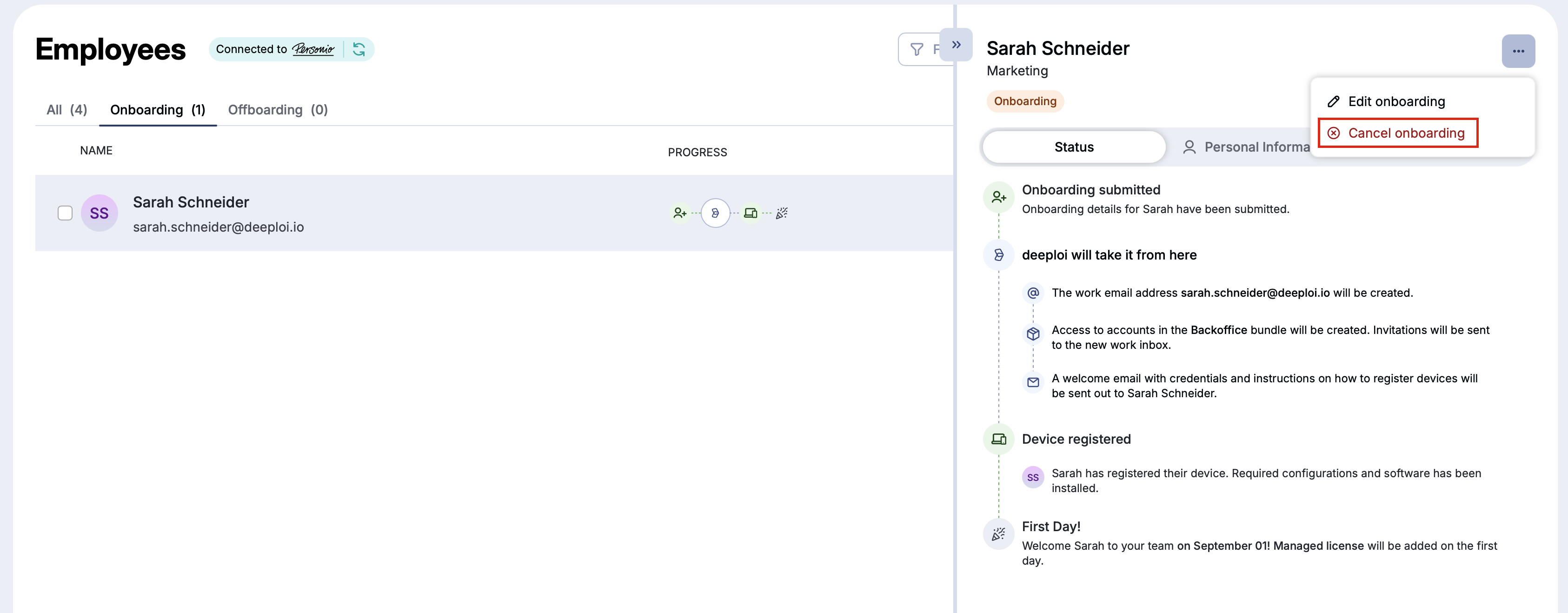
- Click the three dots in the upper right corner of the profile.
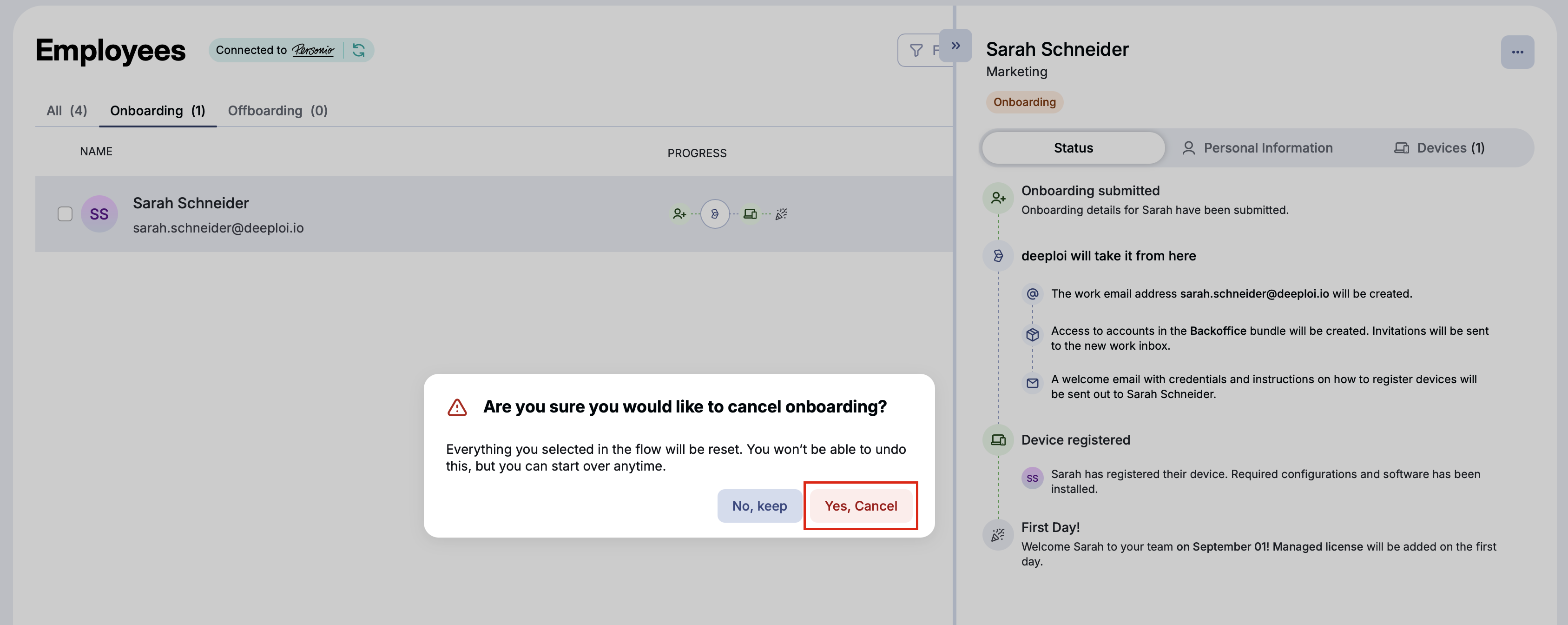
- Select Cancel onboarding or Cancel offboarding.
- Confirm with Yes, Cancel.