Inventory
Inventory is where you manage all the hardware in your company. It gives you a complete view of every device and peripheral across your team, who has what, where it is, and whether it meets your security requirements.
What can I see in Devices?
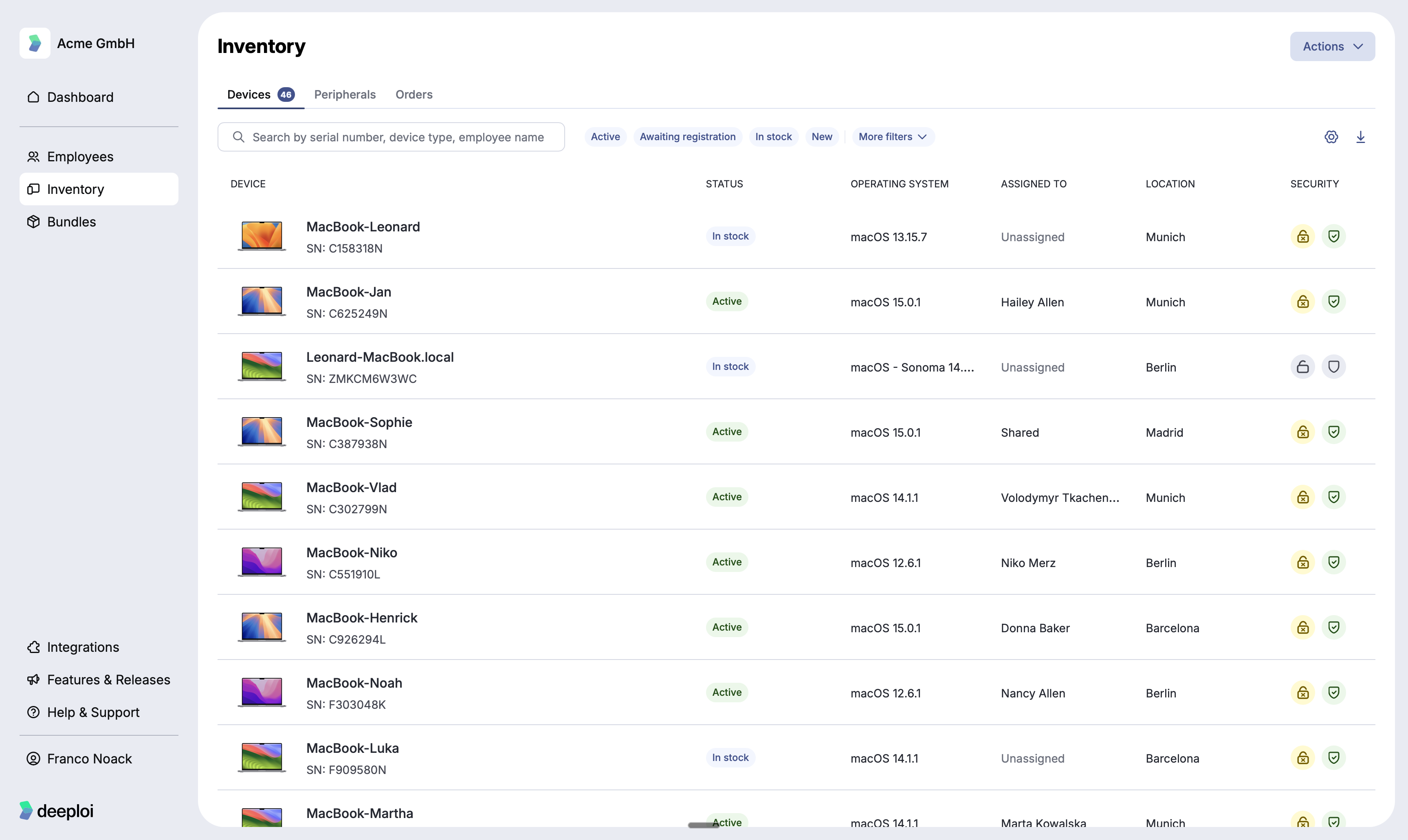
All laptops and computers connected to deeploi, both active and in stock. Each row in the device list shows:
| Column | What it shows |
|---|---|
| Device | The device name and serial number. |
| Status | Whether the device is active, in stock, awaiting registration, or new. |
| Operating System | The OS version currently running on the device. |
| Assigned to | The employee the device is assigned to, or Unassigned if it is in stock. |
| Location | The office location associated with the device. |
| End of rental | The month the device's rental ends, Purchased, or Unknown. Only shown if you rent devices. See When Your Device Rentals End. |
| Admin rights | Whether a user account on the device has local admin rights: Admin, No admin, or Unknown. See Find devices where someone has admin rights. |
| Security | Whether the device meets your security policy requirements. |
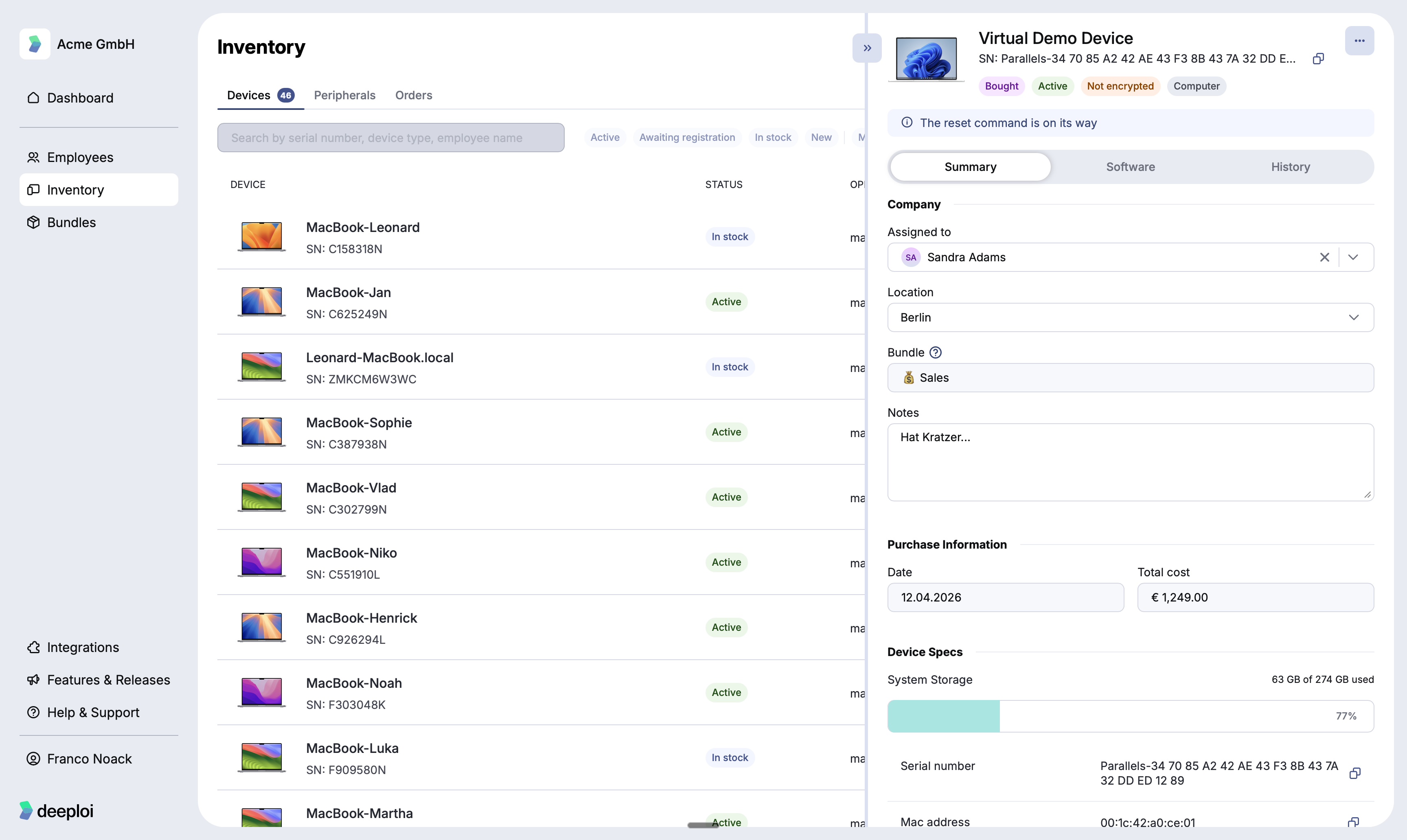
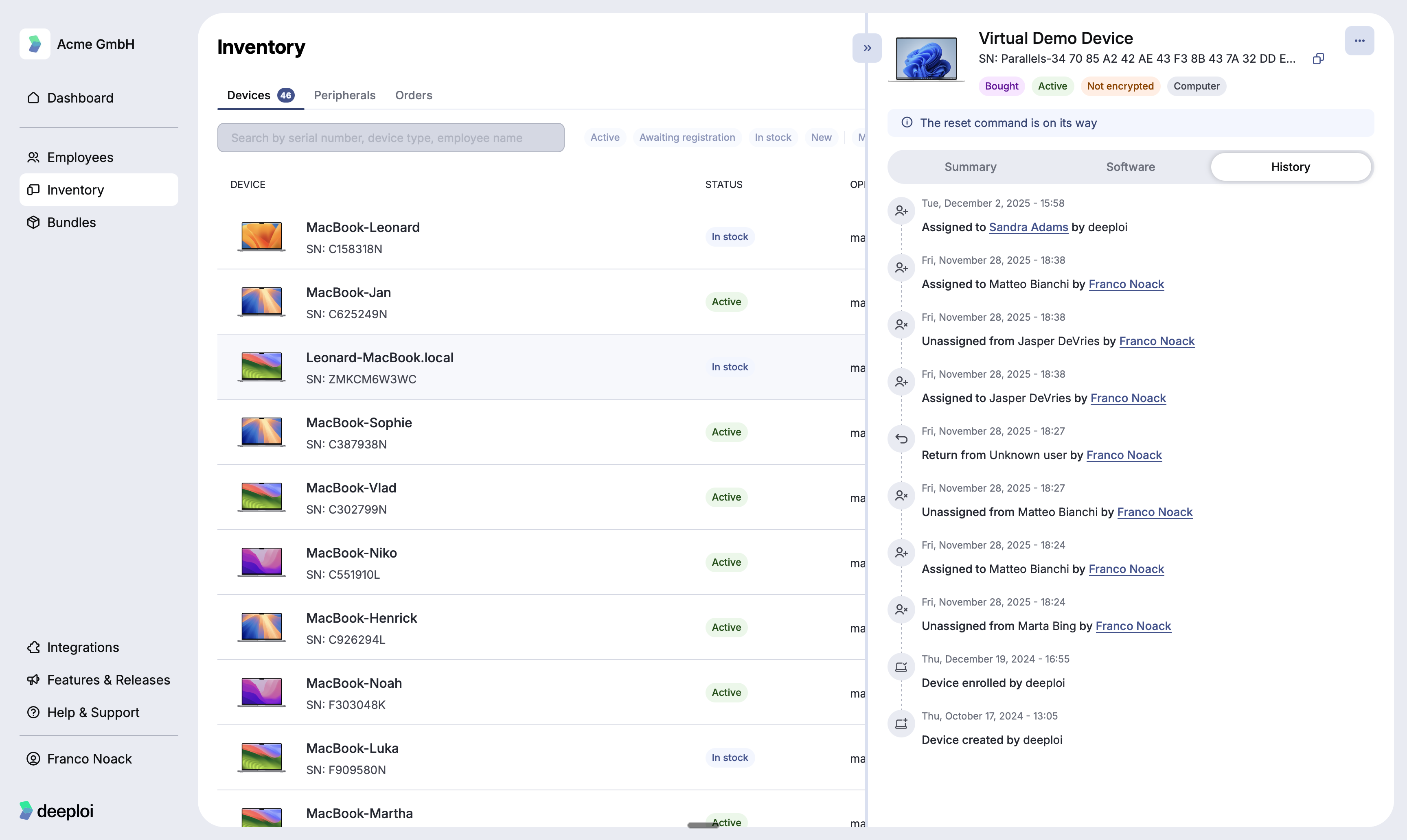
Selecting any device opens a detail panel with three sections: Summary, Software, and History.
Summary
Device info (assigned employee, location, bundle, notes), purchase information (date and cost), and device specs (storage, serial number, MAC address).
Software
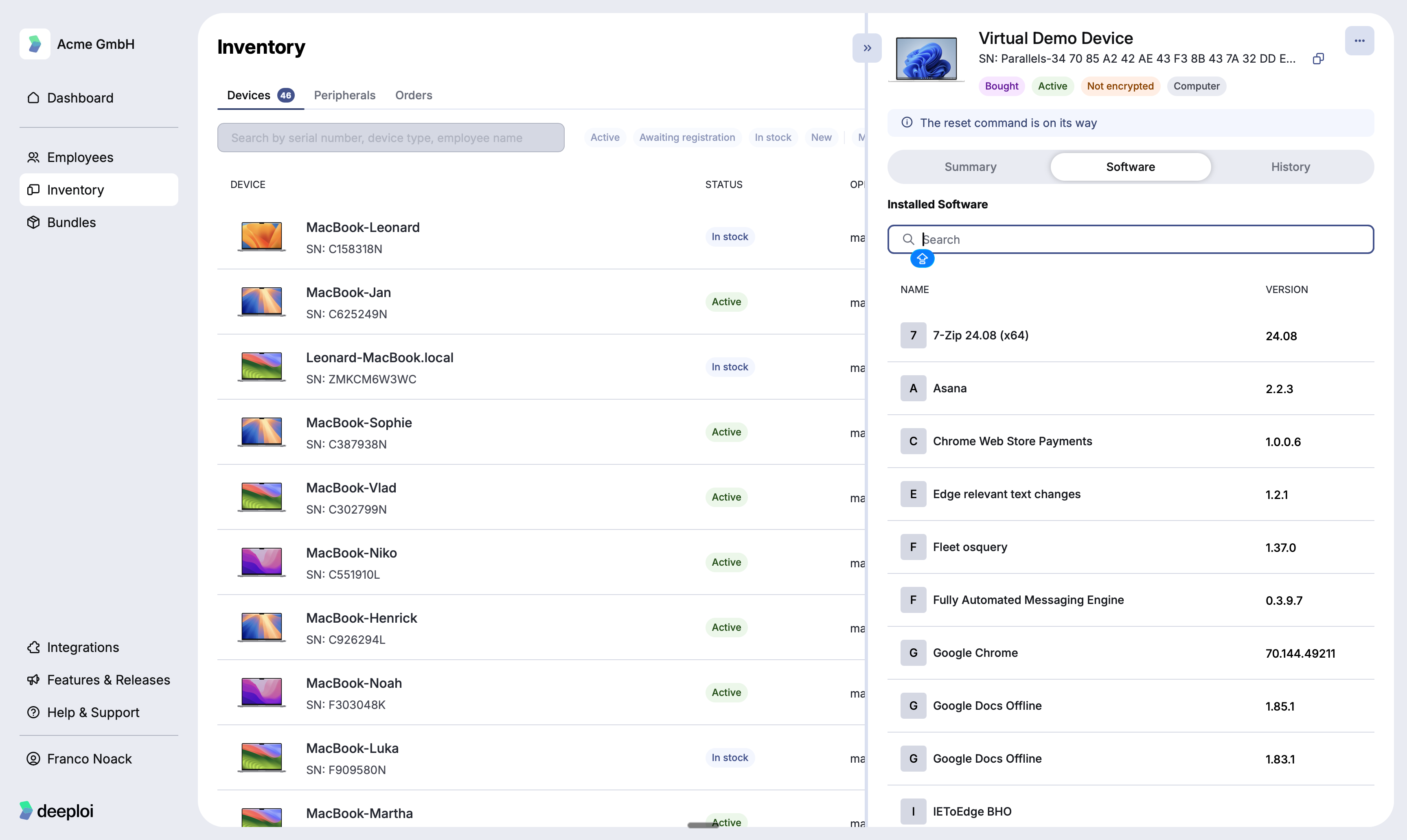
A searchable list of all software installed on the device, with version numbers. If an app from the employee's bundle is missing, see How do I reinstall missing software on a device?.
History
A full log of every action taken on this device in deeploi, including assignments, returns, and resets, with timestamps and the person responsible.
What can I see in Peripherals?
Additional hardware assigned to employees, such as monitors, keyboards, mice, and headphones. Each peripheral type is tracked as a pool with individual units numbered separately.
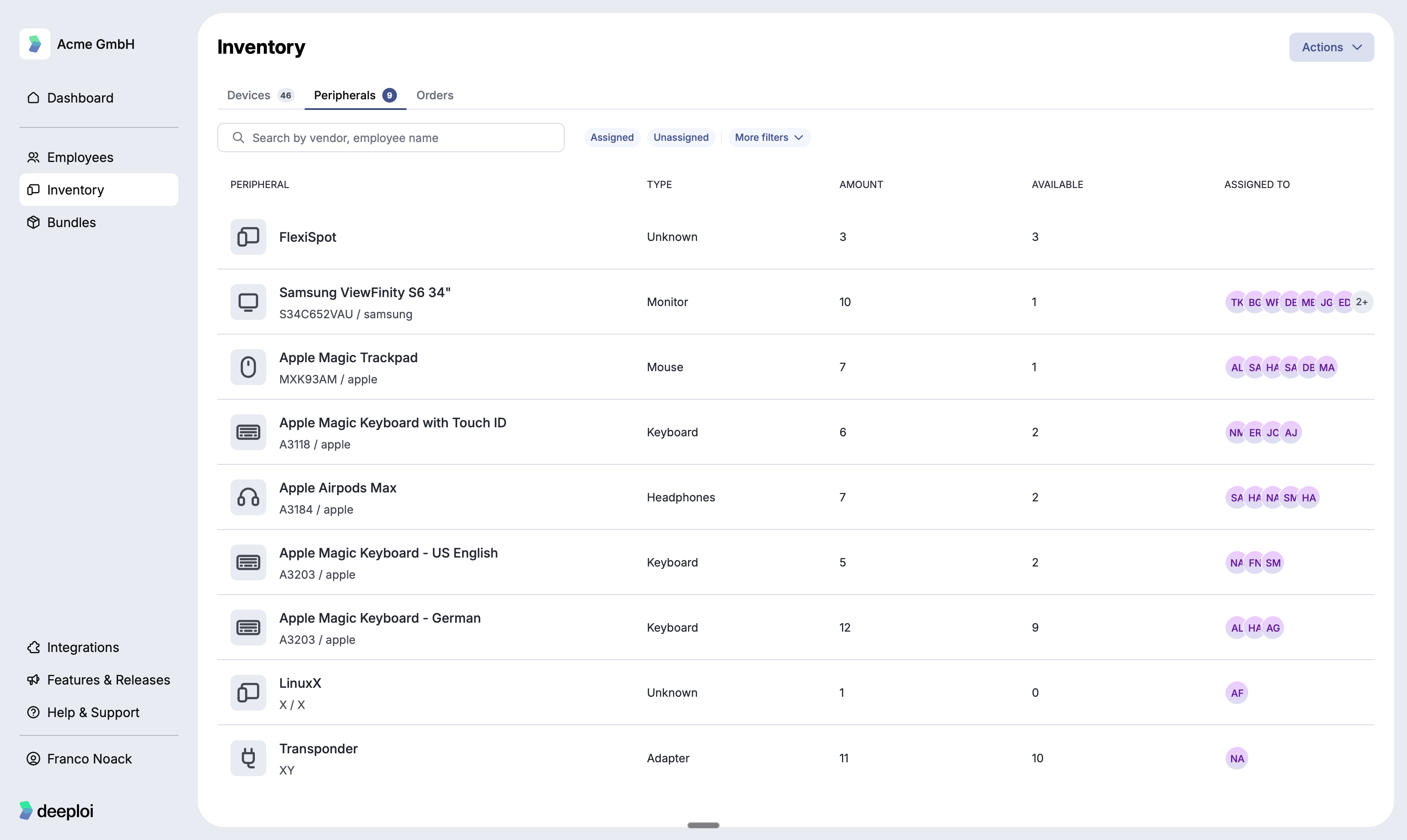
Each row in the peripherals list shows the peripheral name, type, total amount, how many units are available, and which employees currently have one assigned.
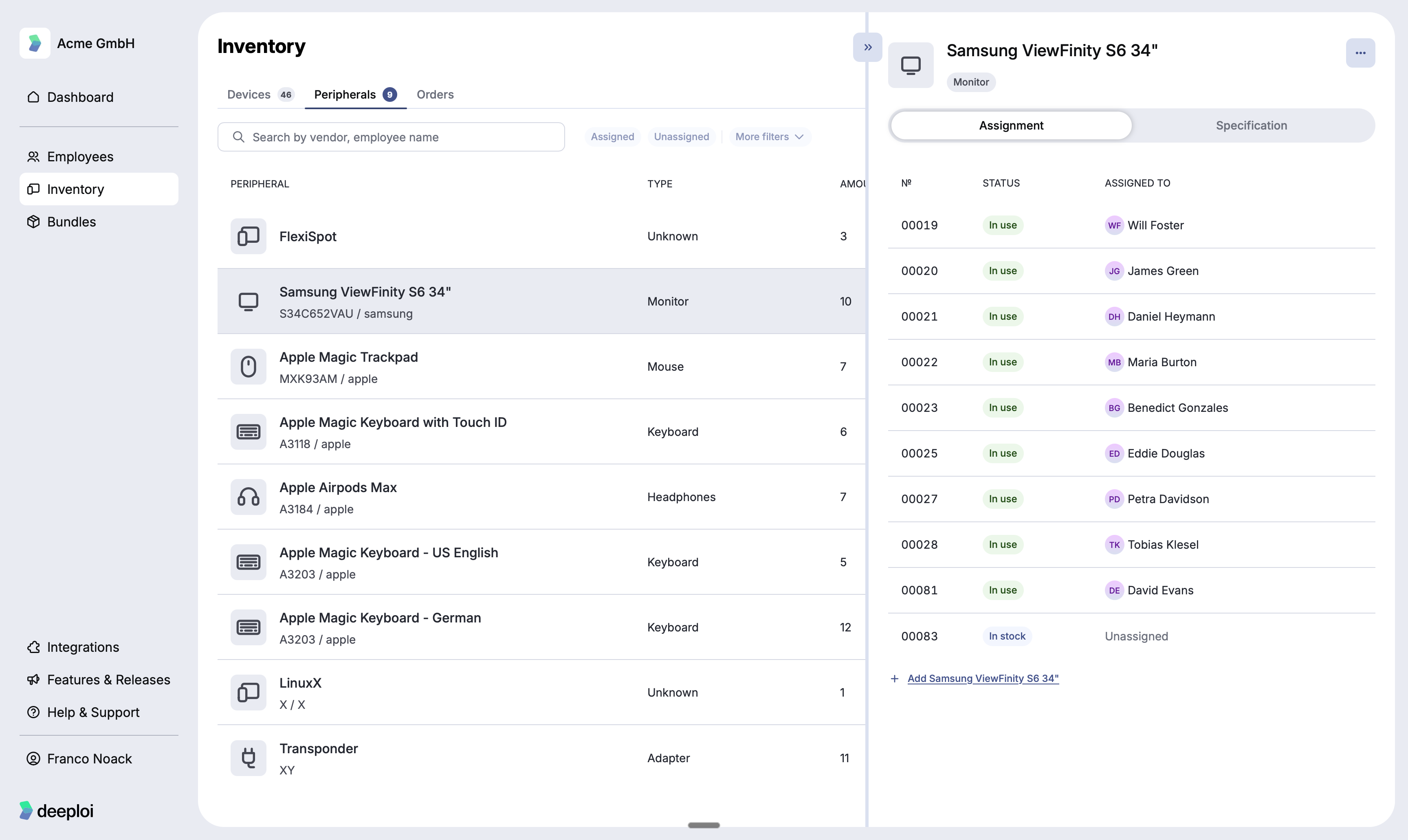
Selecting a peripheral opens a detail panel with two tabs. The Assignment tab lists every individual unit by number, its status, and who it is assigned to. The Specification tab shows the hardware details for that peripheral.
What can I see in Orders?
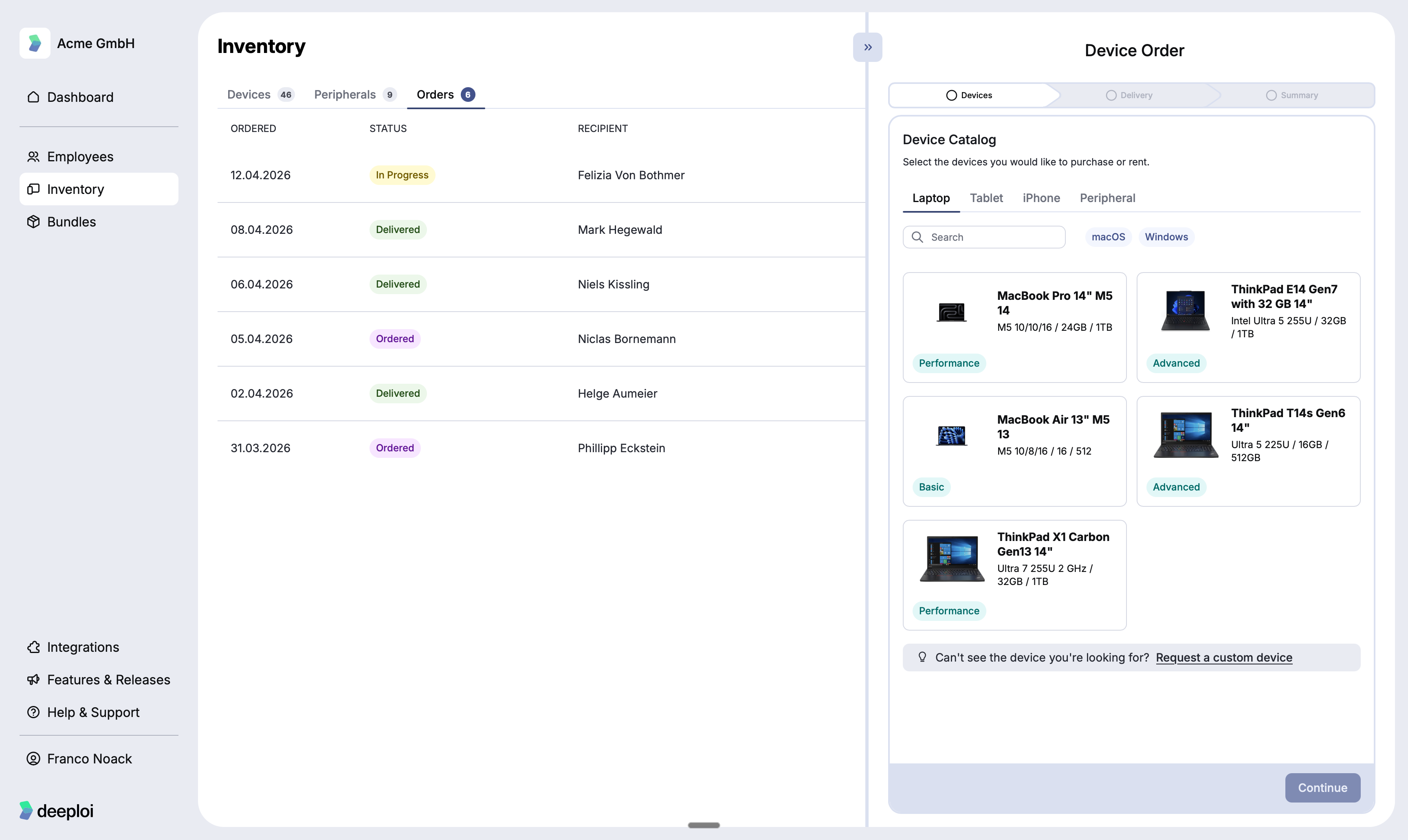
Hardware orders placed through deeploi, including new devices and peripherals for incoming employees.
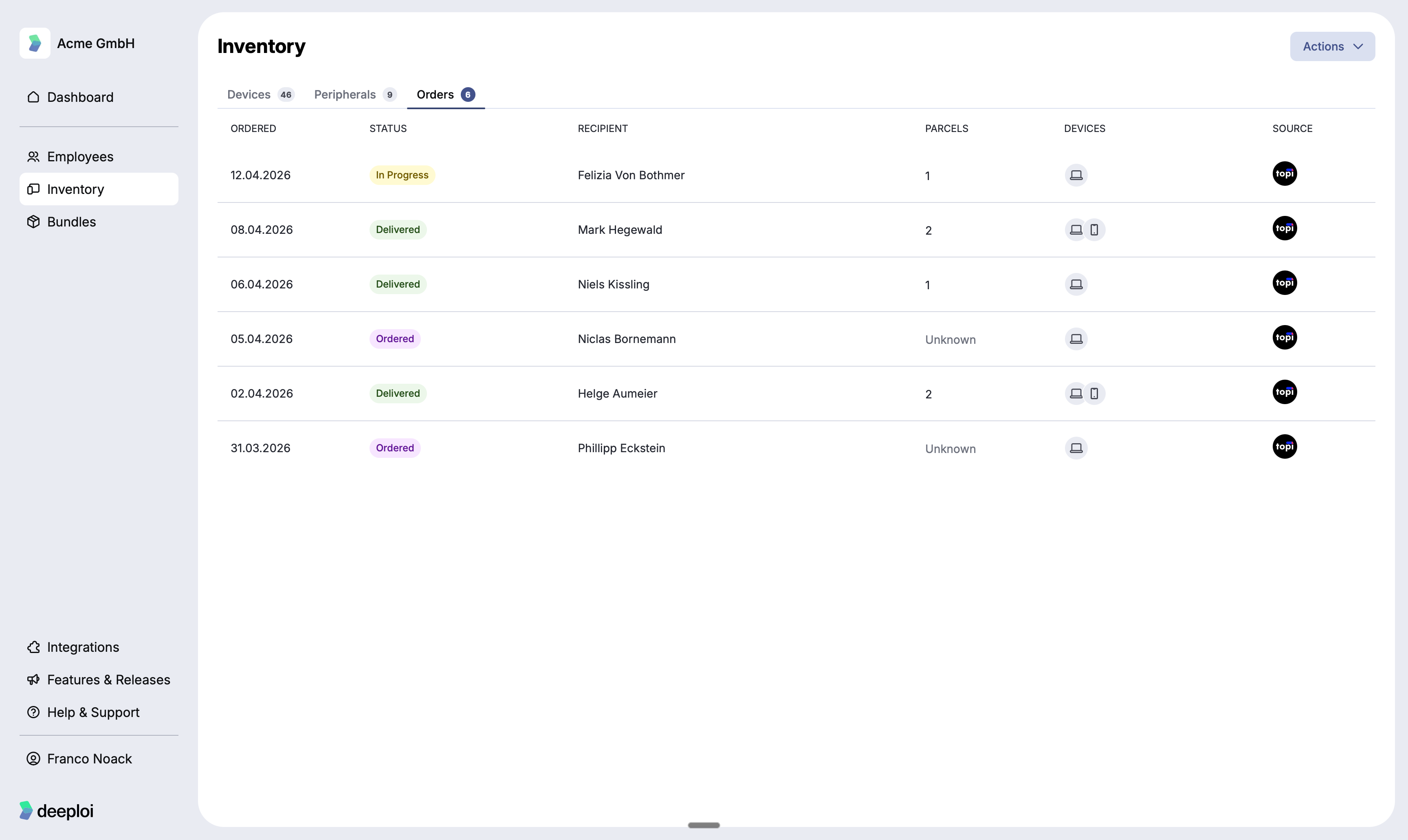
Each order shows the date it was placed, its status (Ordered, In Progress, or Delivered), the recipient, the number of parcels, and the devices included. Selecting an order opens the device catalog where you can choose from laptops, tablets, iPhones, and peripherals, and filter by macOS or Windows.