Releases
Admin Rights for Devices
Grant or restrict admin rights per device directly in the deeploi platform. Decide who can install software and change settings and who can't.
Company Settings
Company settings let you define your IT workflows to match the way you work. From how we manage your workspace, to fine-tuning each step of your employee onboarding and offboarding.
Delete and Archive Devices
Manage your inventory by retiring devices or completely disconnecting them from your IT system. Archive to keep the history of a device, or delete to completely remove a device from your fleet.
Role Management
Control who has access to the deeploi platform through role assignment. Owners manage roles and have full platform access. Managers have platform access. Employees have no platform access.
Auto-Reply and Email Forwarding
For Microsoft 365 customers, you now have more flexibility during employee offboarding. Set up an auto-reply or forward emails to a specific user after an employee leaves.
Workspace Groups
You can now edit workspace group memberships on demand, giving employees immediate access to the permissions and files associated with those groups.
Suspend Employee Account
Suspend an employee's account instantly during urgent situations, immediately revoking their email and file access. The suspension can be reversed at any time. Note: suspension is not the same as completing an offboarding.
Reset Account Password
Reset an employee's workspace password directly in deeploi — for forgotten credentials, lost access, or suspected compromised accounts. A temporary password is generated and the employee must set a new one on next login.
Overdue On/Offboardings
deeploi now highlights incomplete onboarding or offboarding tasks that still need your attention, so nothing slips through.
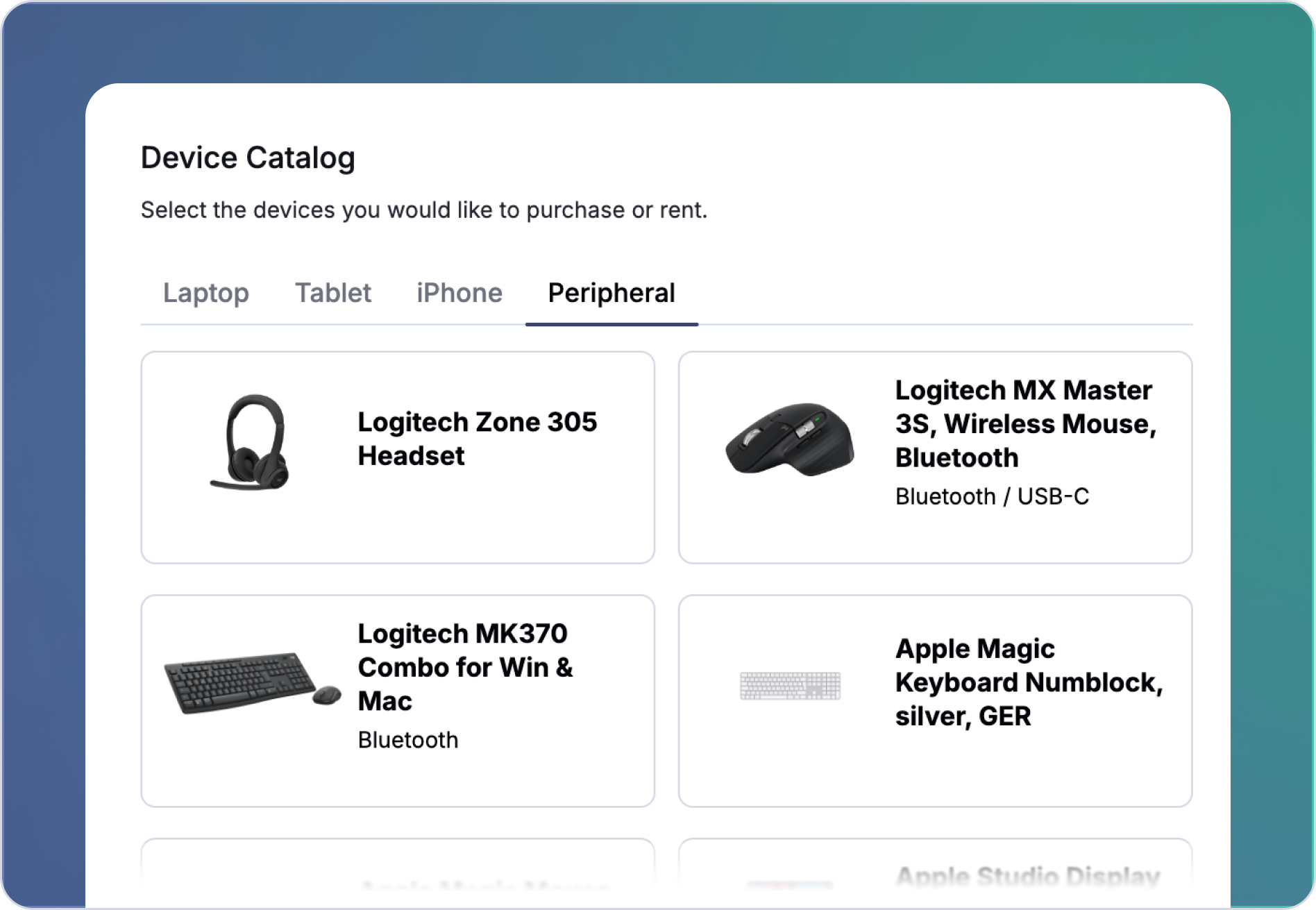
Peripheral Procurement
Need a keyboard for a new employee? Need to replace a broken monitor? The purchasing experience you already know now supports peripherals too.
Peripherals
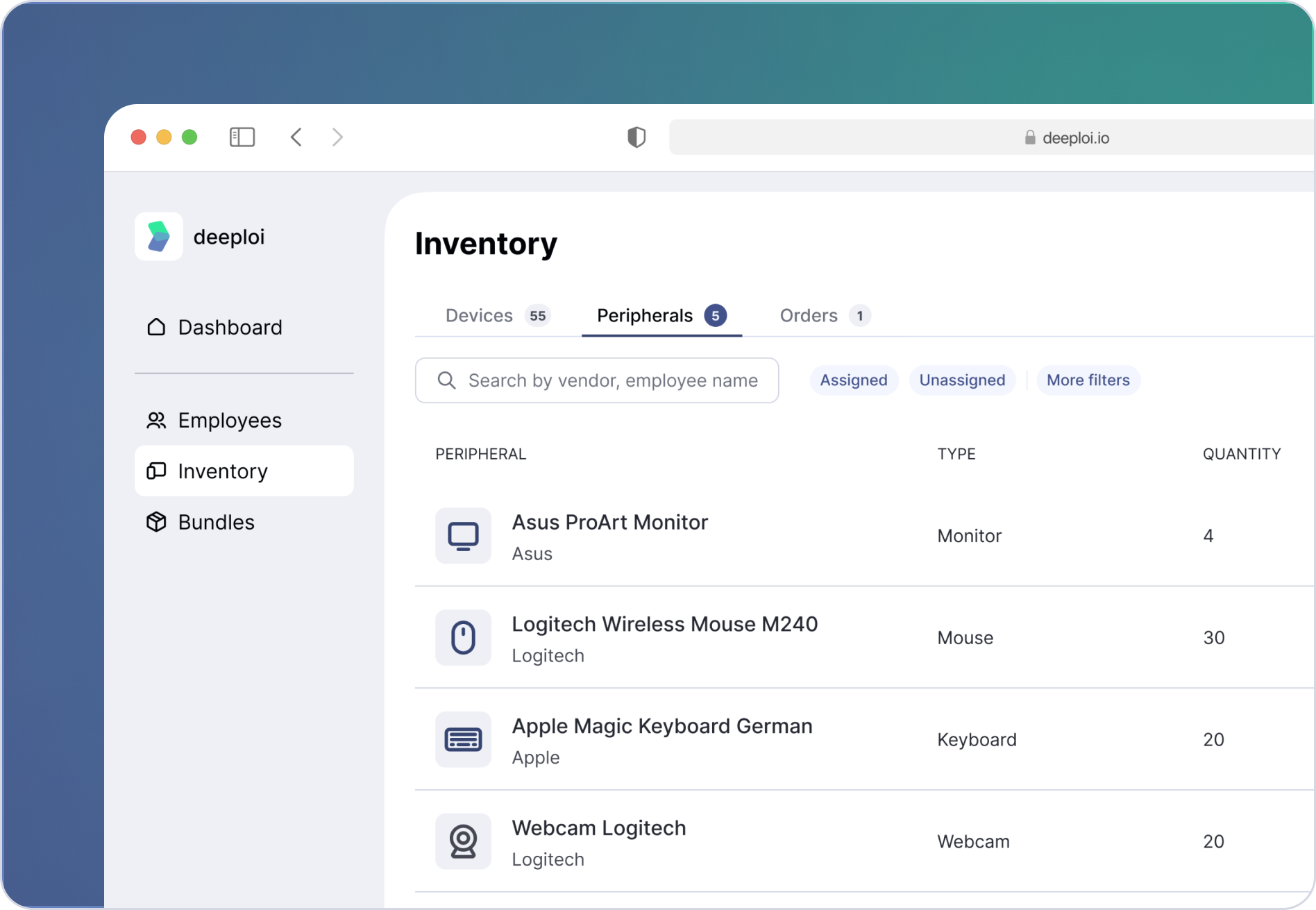
Forget about messy spreadsheets. You can now manage all office equipment in one place. From keyboards to tables and everything in between. See what you have, who's using it, and what's available, all under Peripherals.
ABM Device Registration
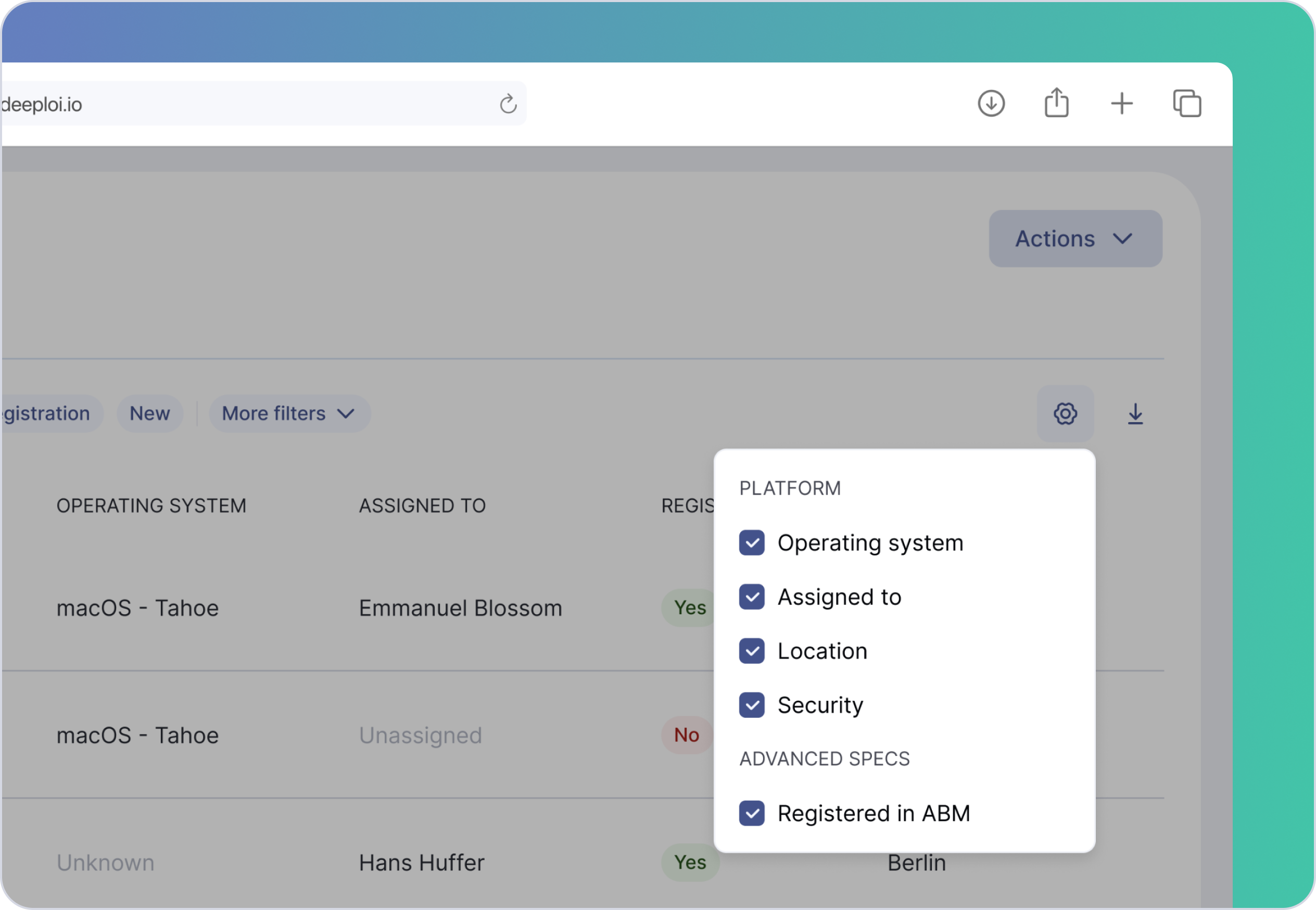
No more switching tabs to check ABM registration. Enable the custom column "Registered in ABM" to get a clear view of which Apple devices are already registered and which still need to be added.
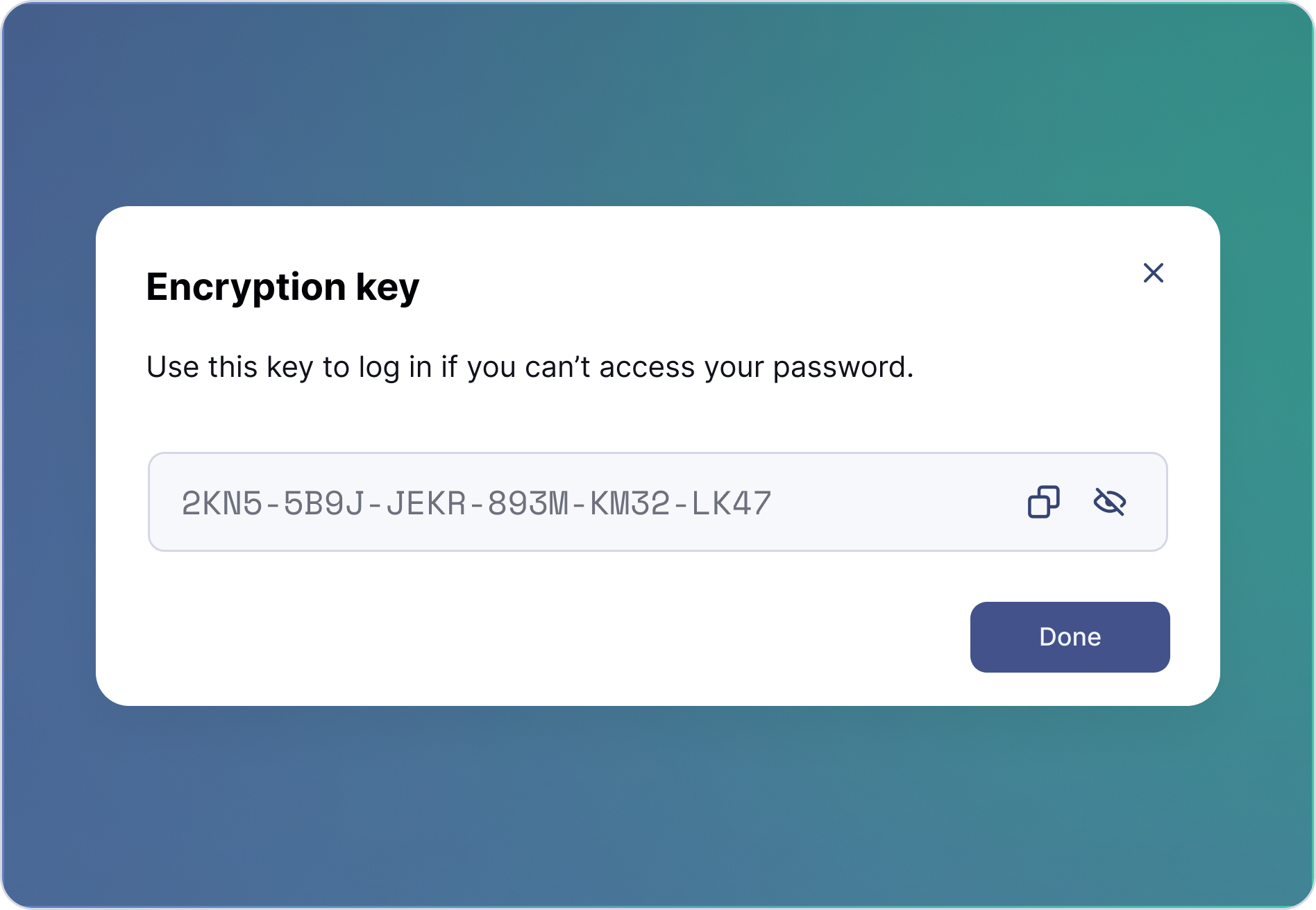
Encryption Keys
Easily regain access to your encrypted devices. Encryption keys keep your data secure while giving you a safe way back in.
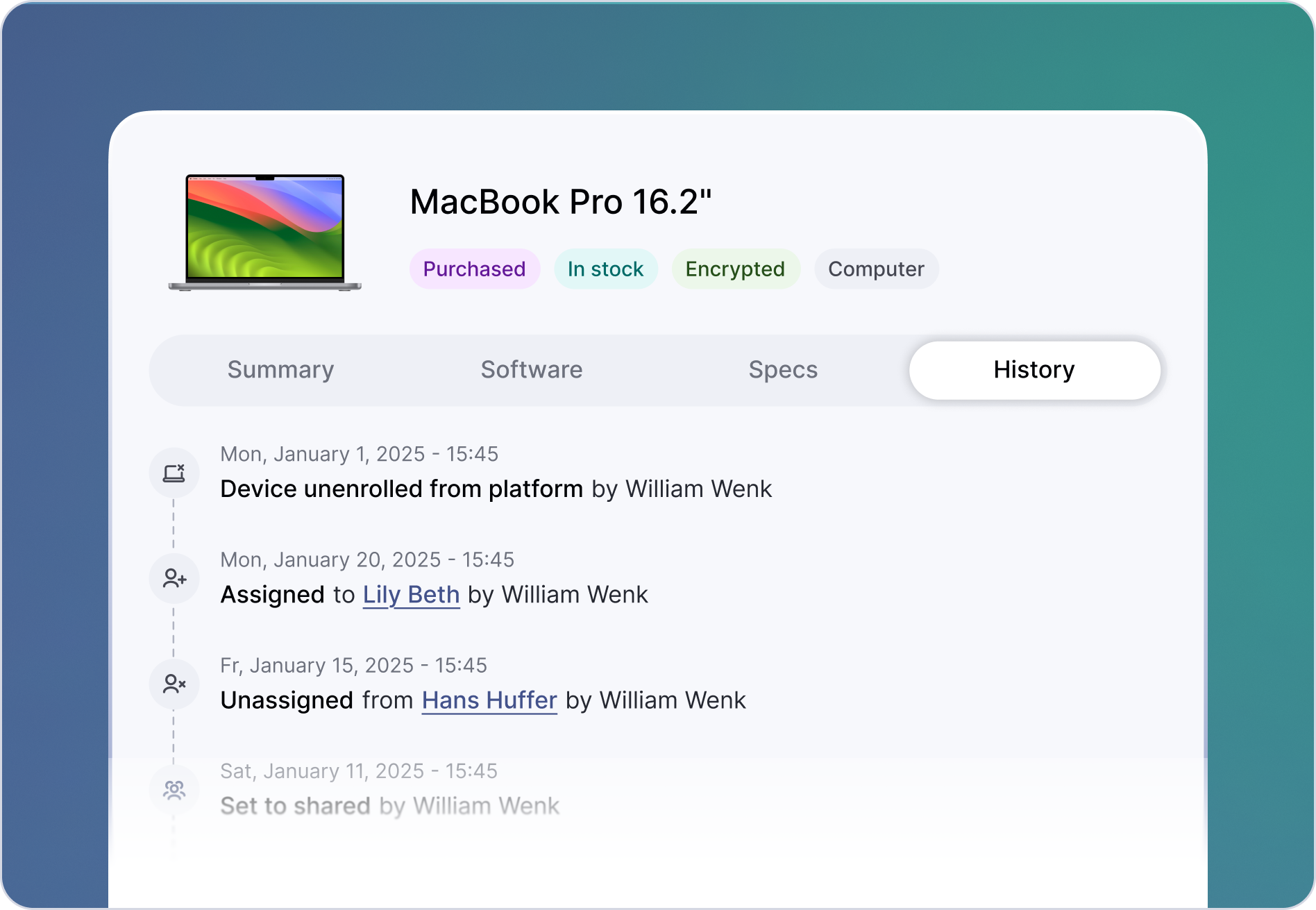
Device History
Get full visibility into every device action. From enrollment to security commands. Easily audit activity, and stay in control of your inventory.